
“Where's that file?” Leave finding and organizing to Yurika
Right from the start of the workday, Assistant Manager Areu was rummaging through folders looking for a quote he had seen last time. He can't remembe…

Today's story
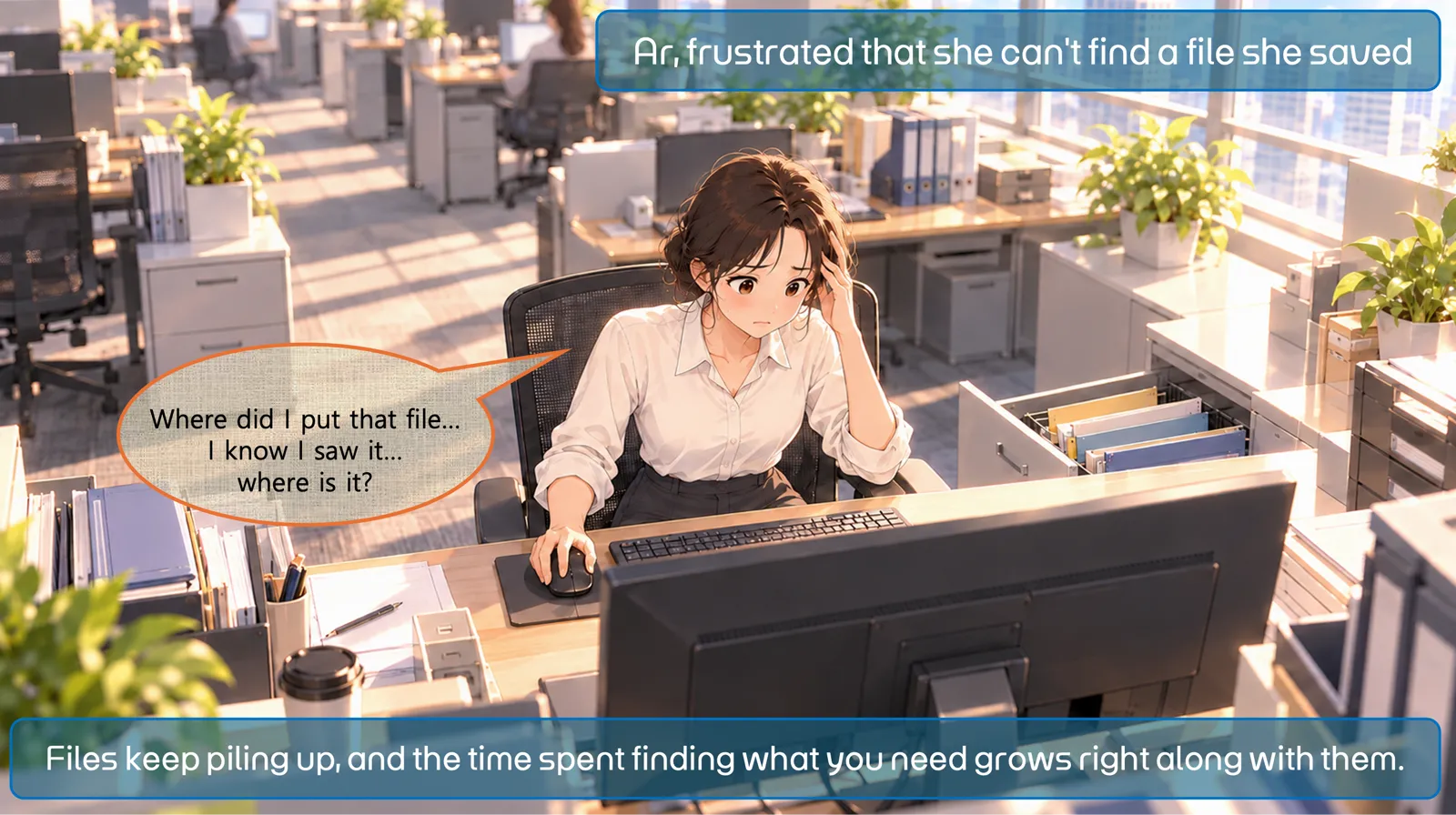
Right from the start of the workday, Assistant Manager Areu was rummaging through folders looking for a quote he had seen last time.
He can't remember the file name or where he saved it.
“I'm sure I saw it... where is it?”
Areu handed Yurika a working folder containing several folders.
Today they continue with the five 🔍 Finding & organizing tasks.
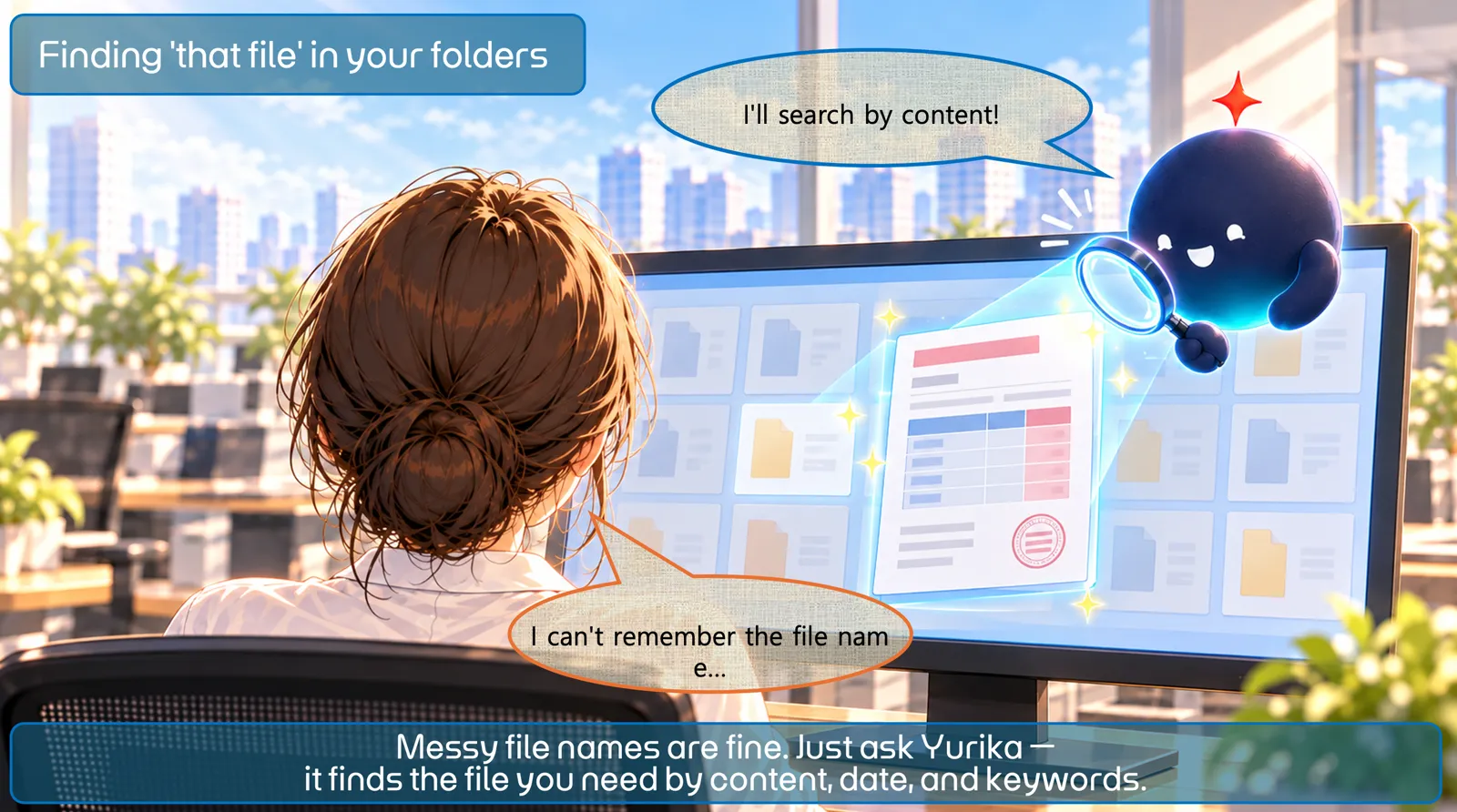
“I can't remember the file name...”
Instead of looking only at file names, Yurika checked the content inside the documents along with dates and keywords.
It found the quote he needed in a file whose name alone, like 스캔_0412.pdf, gave nothing away.
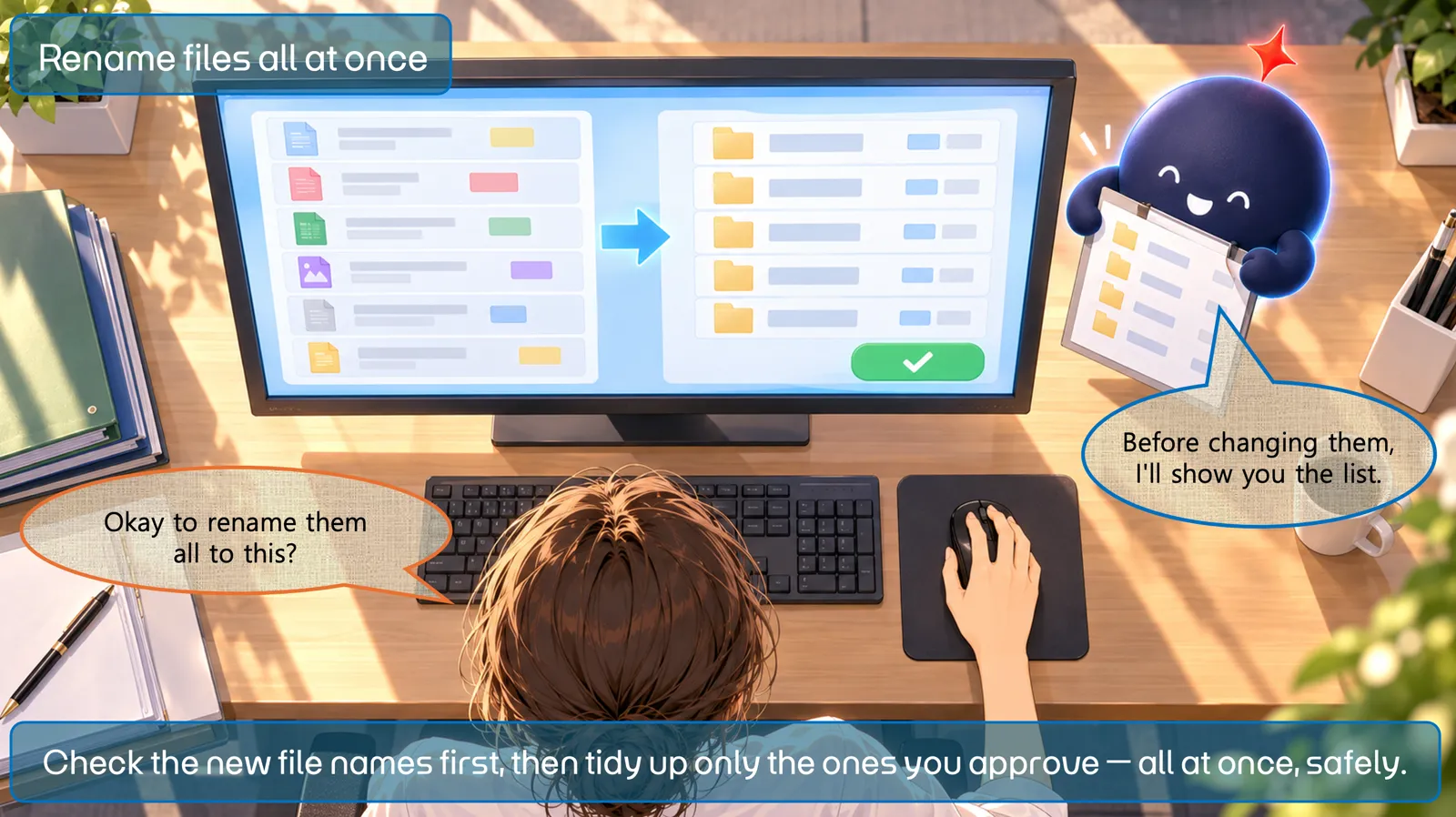
Once he found the file, the folder turned out to be full of mismatched names like final, real final, and final(2).
Yurika didn't rename them right away; it first showed him the list of file names it would change.
“Is it okay to change them all to this naming format?”
“I'll only change the files you've confirmed.”
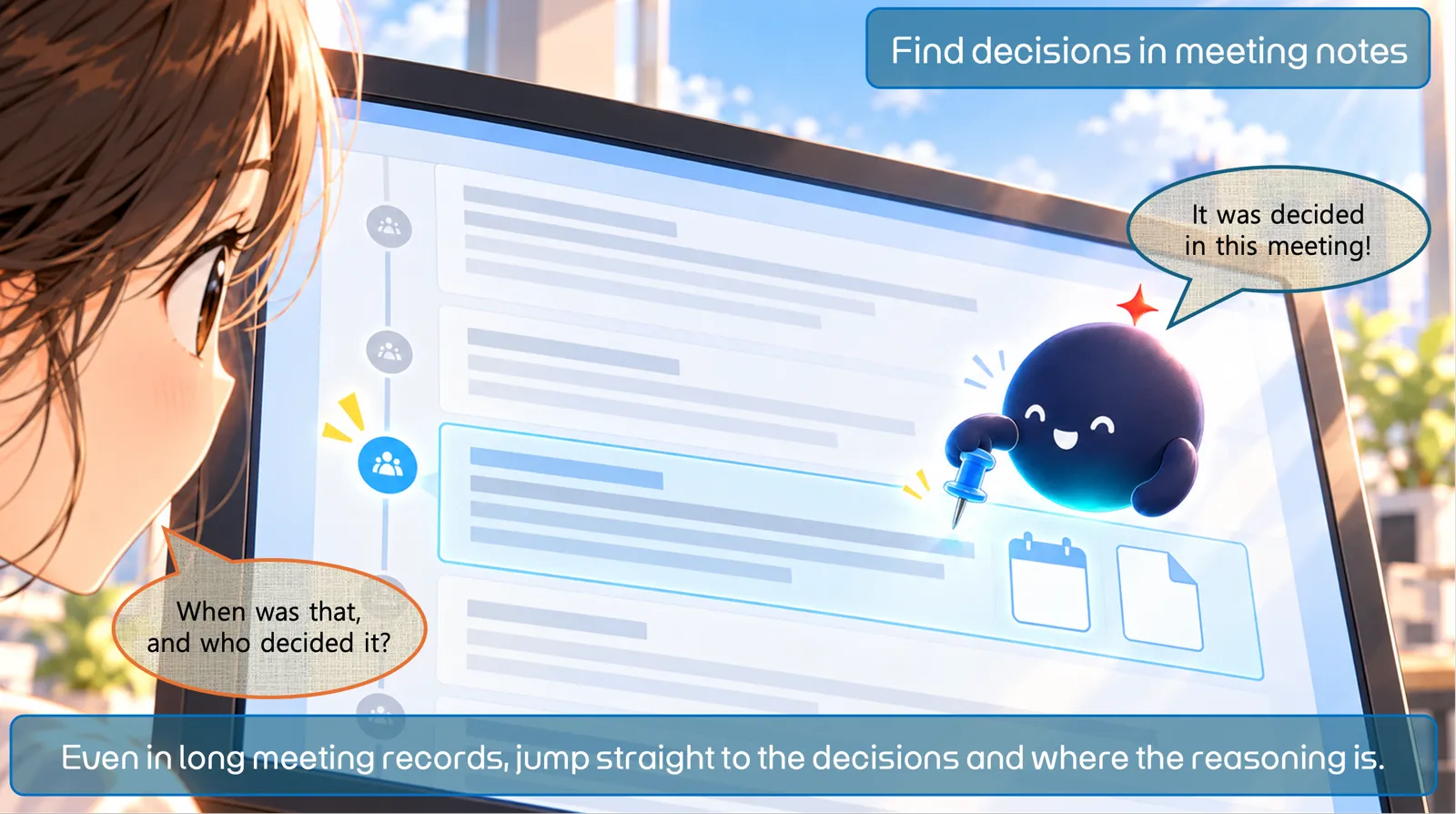
The same goes for rechecking what was decided in a meeting.
When he asked, “When was that decided, and by whom?”, Yurika found the relevant decision in the pile of meeting records and
the location of the evidence.
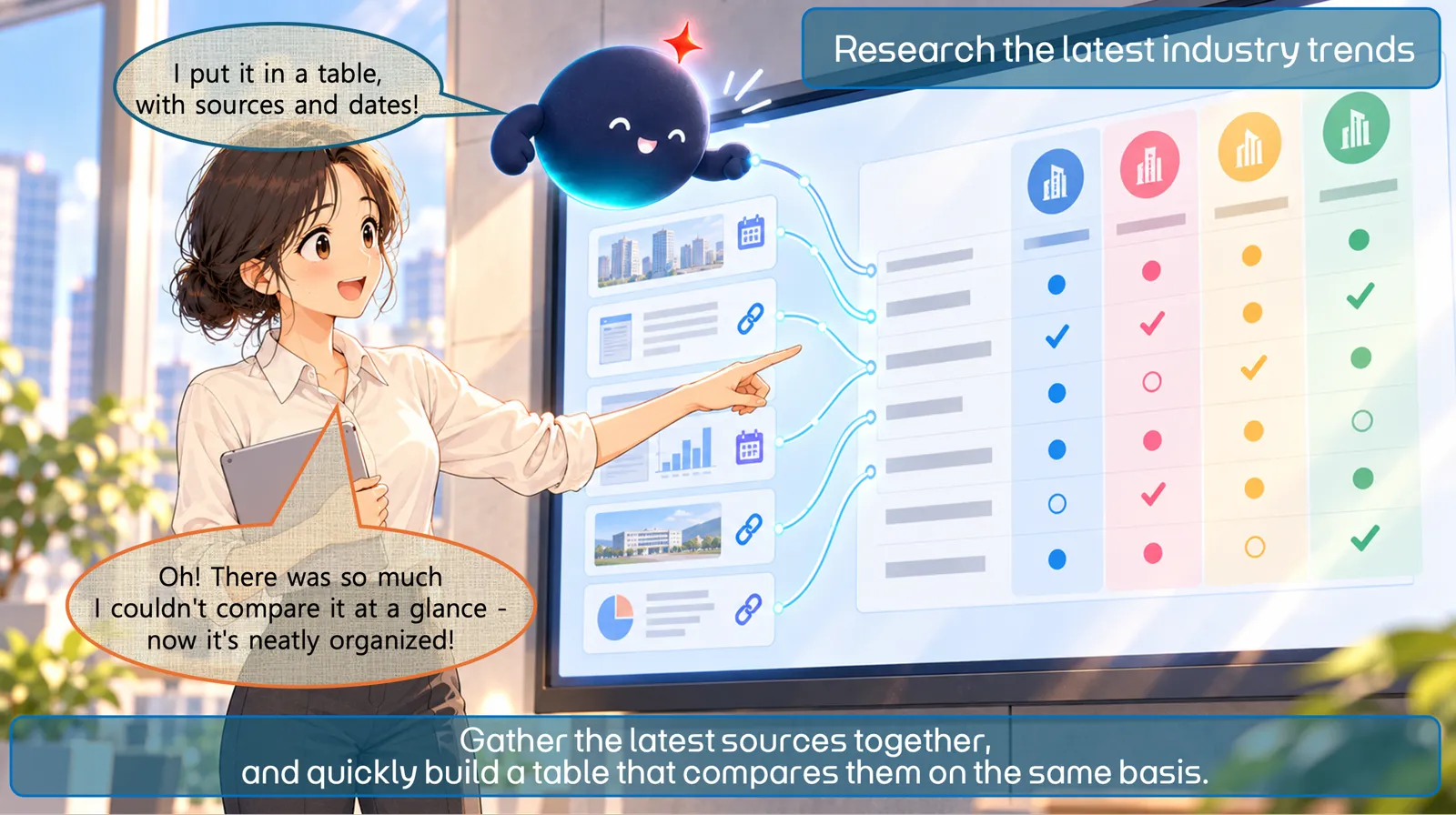
Finally, it researched the latest industry trends and organized the sources and dates of the materials together.
It also lined up scattered competitor information to the same standard and made it into a comparison table you can see at a glance.
Finding things, organizing names, checking the evidence, and even turning research results into a comparison table.
Handing the repetitive finding and organizing to Yurika, Areu focused only on checking and judging.
“AI drafts, I decide.”
Today's prompt
Check the materials in the working folder below, then find and organize the files I need.
Working folder: [folder name or location]
Material I want to find: [file content or keywords I remember]
Industry to research: [industry name]
Competitors to compare: [company or service names]
Proceed in the following order.
1. Based on the document's content, dates, and keywords rather than the file name,
find the file most relevant to the material I'm looking for.
2. Check the file names in the folder,
and create a list of new file names that can be organized by the same standard.
Do not rename the files right away;
first show them to me in the format 'current name → new name'.
Change them only after I approve.
3. In the meeting records in the folder,
find content related to [the decision I want to find].
Show the decision, the date it was decided, the attendees or person in charge,
and the file name and location of the evidence.
4. Research the latest trends in [the industry to research]
and organize key changes, major issues, and the impact on our work.
Show the source and date for each item.
5. Compare [the competitors to compare]
in a comparison table by features, pricing, key customers, strengths, and weaknesses.
Do not guess at anything unconfirmed;
mark it as 'Needs checking'.
At the end, organize the results in the following order.
- Files found
- Proposed file name changes
- Meeting decisions and evidence
- Latest industry trends
- Competitor comparison table
- Items I need to check in the end
Do not modify or delete the original files,
and create all results as new documents.
AI trends Yurika read
- 1
Now AI searches by 'content', not by file name
Google DeepMind, EmbeddingGemma 2 announcement (2026.10.6)Google has unveiled 'EmbeddingGemma 2', a compact AI model that understands text, photos, audio, and video in a single way and searches across them. You can search with text to find the part you want in a recording hours long, and you can find a specific scene in a video with a voice memo. Because it's small, it runs right on a smartphone or laptop without sending anything to the cloud. Google stressed that because materials are processed on the device, it's advantageous for privacy. It's a sign that the standard for search is shifting from the 'file name' to the 'content inside the file'.
Key takeawayThe reason you get stuck on “Where is that file?” is usually that you can't remember the file name. Yurika works in the same direction. It opens files such as PDFs, Word documents, and Excel files in your working folder and searches by content. That's why it can find the quote inside even if the file is named 스캔_0412.pdf. The first task introduced today, 'Finding that file in a folder', is exactly this story.Read the source › - 2
AI is getting cheaper and faster, tailored to small, repetitive tasks
Anthropic, Claude Haiku 5.5 announcement (2026.10.7)Anthropic has released the small model 'Claude Haiku 5.5'. Its running costs are down by about 75% on average compared with the previous model, and it is the fastest of the company's models released so far. Anthropic introduced this model for short, frequently repeated tasks such as summarizing, classifying, and quick lookups. Early adopting companies cited similar uses. The cloud document company Box named “weekly recurring reviews”, and the financial analysis company Rogo named “fetching the one line of numbers you need from a long report”. Small jobs that used to be awkward to hand to AI because of cost are now becoming worth handing over.
Key takeawayWhat eats up an office worker's day is not big projects but small tasks. Finding files, organizing names, gathering materials, and making comparison tables pile up and time disappears. AI developing in line with these small tasks means handing 'finding & organizing' to AI is becoming the natural thing to do. Even so, people decide what to keep and what to fix. That's why Yurika shows you the list of names that will change before renaming files.Read the source ›