
Where do the numbers in these two files differ?
These days, “matching numbers” is Assistant Manager Areu's homework.



Today's story
These days, “matching numbers” is Assistant Manager Areu's homework.
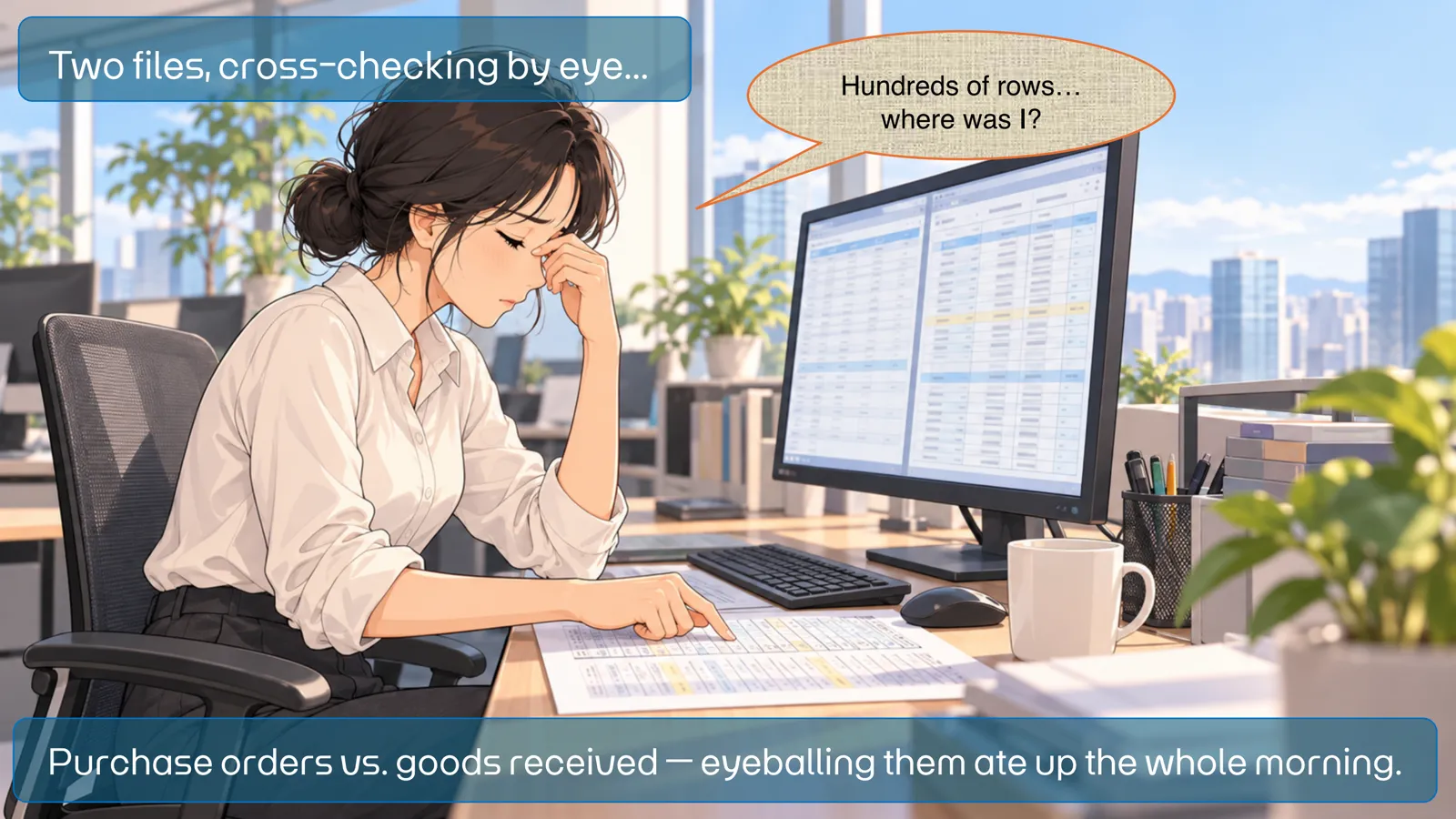
On Monday morning, Areu opened the purchase-order file and the receiving file and started comparing them with their eyes, line by line.
After flipping between hundreds of rows, Areu's eyes were tired and Areu kept losing track of where they had left off.
That's when Yurika said, “Give me the two files. I'll find only the places that should match but don't.”
Areu put the two files in the desktop working folder and told Yurika the key to match on
(supplier name and date).
Before changing anything, Yurika first showed the plan — “Here's how I'll compare them” — and asked for confirmation.
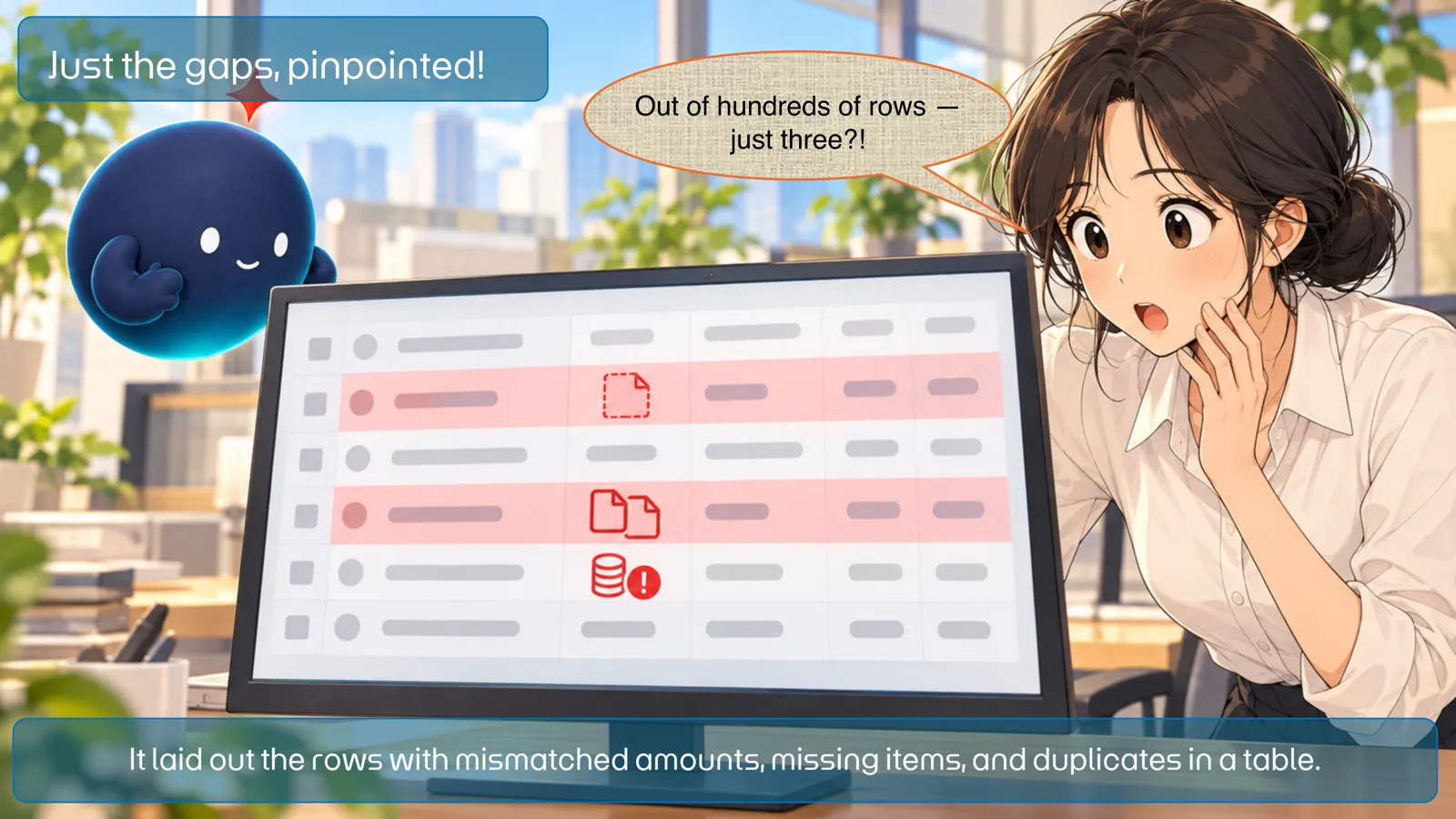
Then it matched the two tables on that key and put together a table of rows with mismatched amounts,
items that appear on only one side, and duplicates.
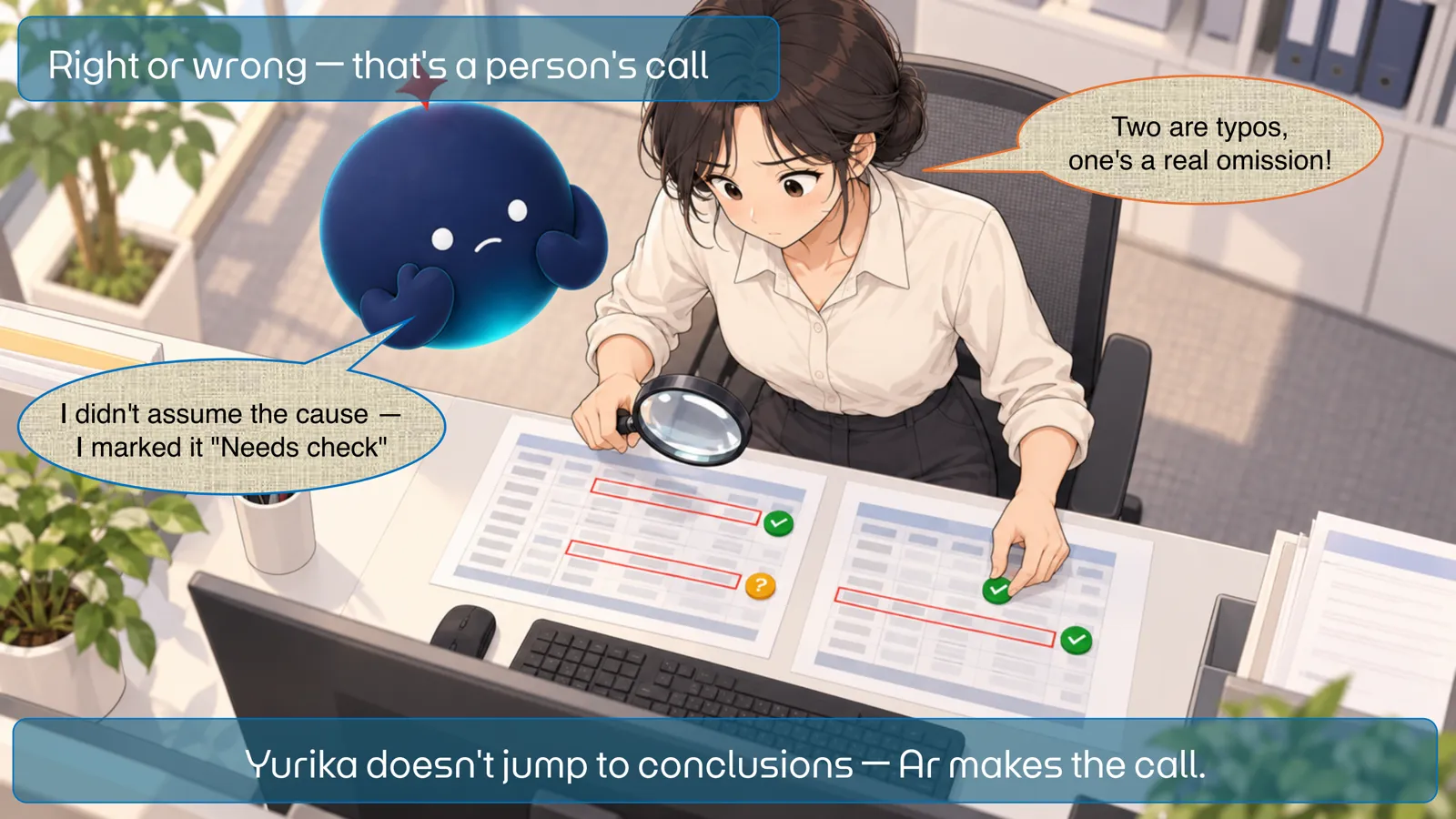
Exactly three places didn't match. When Areu looked, two were simple typos and one was a real omission.
Yurika didn't jump to conclusions about the cause. It marked them “needs checking,” and Areu made the call.
The corrected result was saved as a new file with the date added, and the original was left untouched.
What used to take all night of eyeballing was done in a few minutes with one line of criteria.
Reconcile numbers by criteria, not by eye. Yurika finds what's wrong,
and I decide what's right and wrong.
Today's prompt
- ① Open Yurika and put the two files to compare in your working folder.
- ② Copy the text in the gray box below as is and paste it into the input box.
- ③ Replace the [ ] parts with your own files and criteria, then run it, and you're done!
Compare the numbers in the two files below.
File A (baseline): [file name or location]
File B (to compare): [file name or location]
Key to match on: [e.g., supplier name + date, item code, etc.]
Proceed in this order.
1. Match the two files on the key and show only the items whose values differ in a table (A value, B value, difference).
2. Also list separately the items that appear on only one side (missing or added) and any duplicates.
3. Before changing any data, show me your plan for how you'll compare them first, and get my confirmation.
Don't guess at causes that aren't confirmed; mark them “needs checking.”
Create the result as a new document and do not overwrite the existing files. Include the date in the file name.
AI trends Yurika read
- 1
An Excel “agent” cleans up a messy ledger and even reconciles it — but a person does the checking
Journal of Accountancy, Using an Excel agent to clean, validate, and reconcile data, 2026.10On October 1, 2026, the Journal of Accountancy described how to clean, validate and reconcile data with a ChatGPT-based “Excel agent.” A ledger of more than 59,000 rows, full of mixed text and numbers, uneven dates and blank lines, was cleaned in about 10 minutes on average, then totaled by account and reconciled against the trial balance. Before changing any data, the agent first shows a “work plan” and asks for the user's approval, and it works with standard formulas anyone can inspect, so the work can be reviewed. The authors stressed that “final judgment and responsibility rest with the user.”
Key takeawayYurika also lets you ask about Excel and CSV files in natural language in data analysis, and finds where trends and averages break. Today's “number reconciliation” is exactly this flow. But you check the plan before anything is changed, and a person makes the final call.Read the source › - 2
Reconciliation rules “in words, not code” — people who know the data build them themselves
CFOtech, Gresham launches AI tool to speed up reconciliations, 2026.10On October 16, 2026, Gresham, a data and reconciliation solutions company, unveiled “Control Studio.” Business users can set up data sources, matching rules, validation and exception-handling flows themselves in business language instead of code, and create rules for reconciling multiple sets of data against one another. It suggests matching keys and validation items by looking at correlations between the data, and lets you test on sample data before applying anything for real. Product lead Neil Vernon said it “puts the people who know the data in charge of the process.”
Key takeawayYurika also lets you ask about and reconcile Excel and CSV files and internal databases in natural language. As in today's story, you set the rules in words, and a person checks and decides whether the numbers are right.Read the source ›