
If you'll keep using a file, don't re-upload it every time
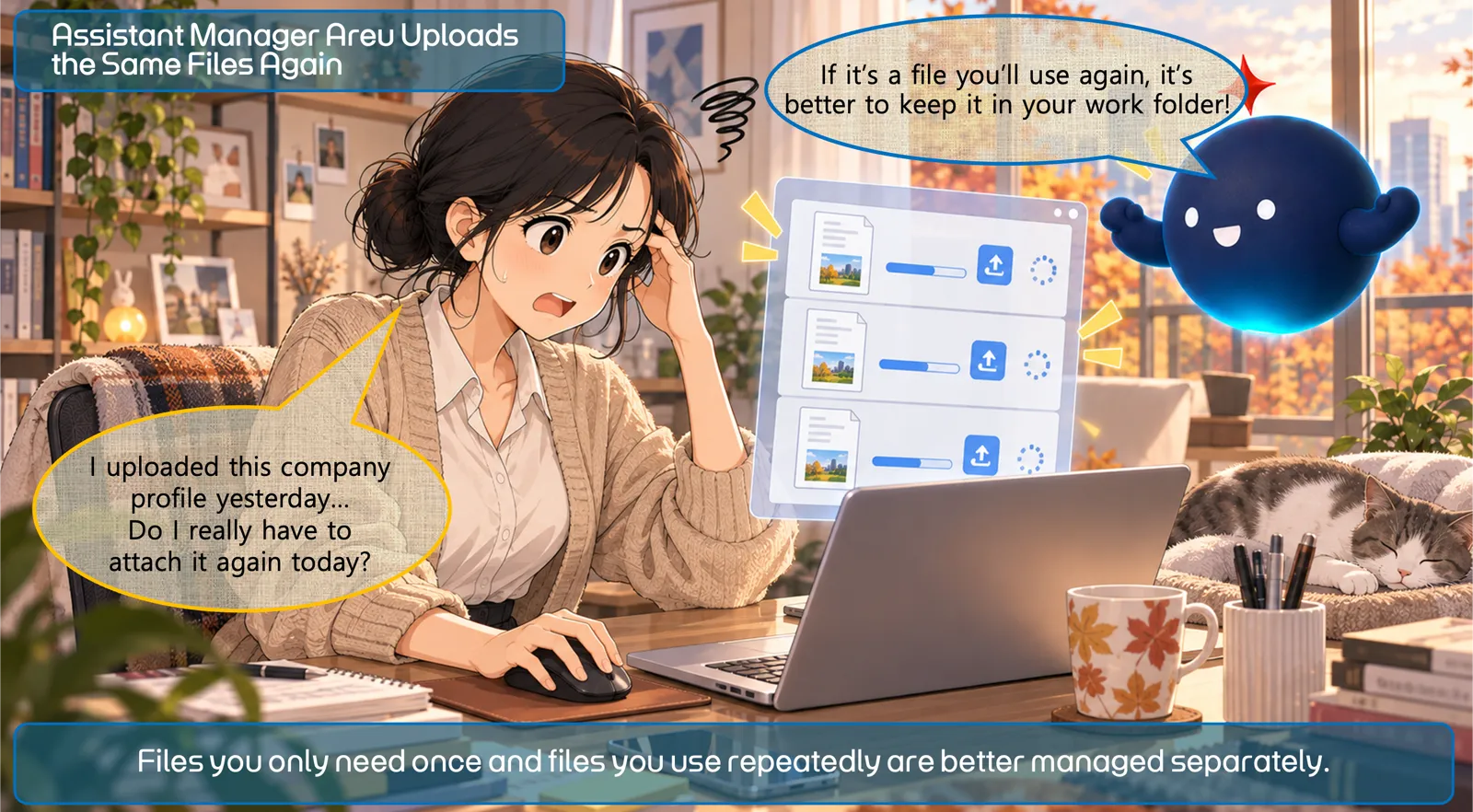
After a simple breakfast and settling in to work from home, Assistant Manager Areu was once again attaching files to Yurika one by one today.
Today's story
After a simple breakfast and settling in to work from home, Assistant Manager Areu
was once again attaching files to Yurika one by one today.
The company profile, the product manual, the price list, even the previous proposal.
She had uploaded these yesterday too, and as she went to find and attach them again today, a thought suddenly struck her.
"Do I have to re-upload this every single time?"
That's when Yurika speaks up.
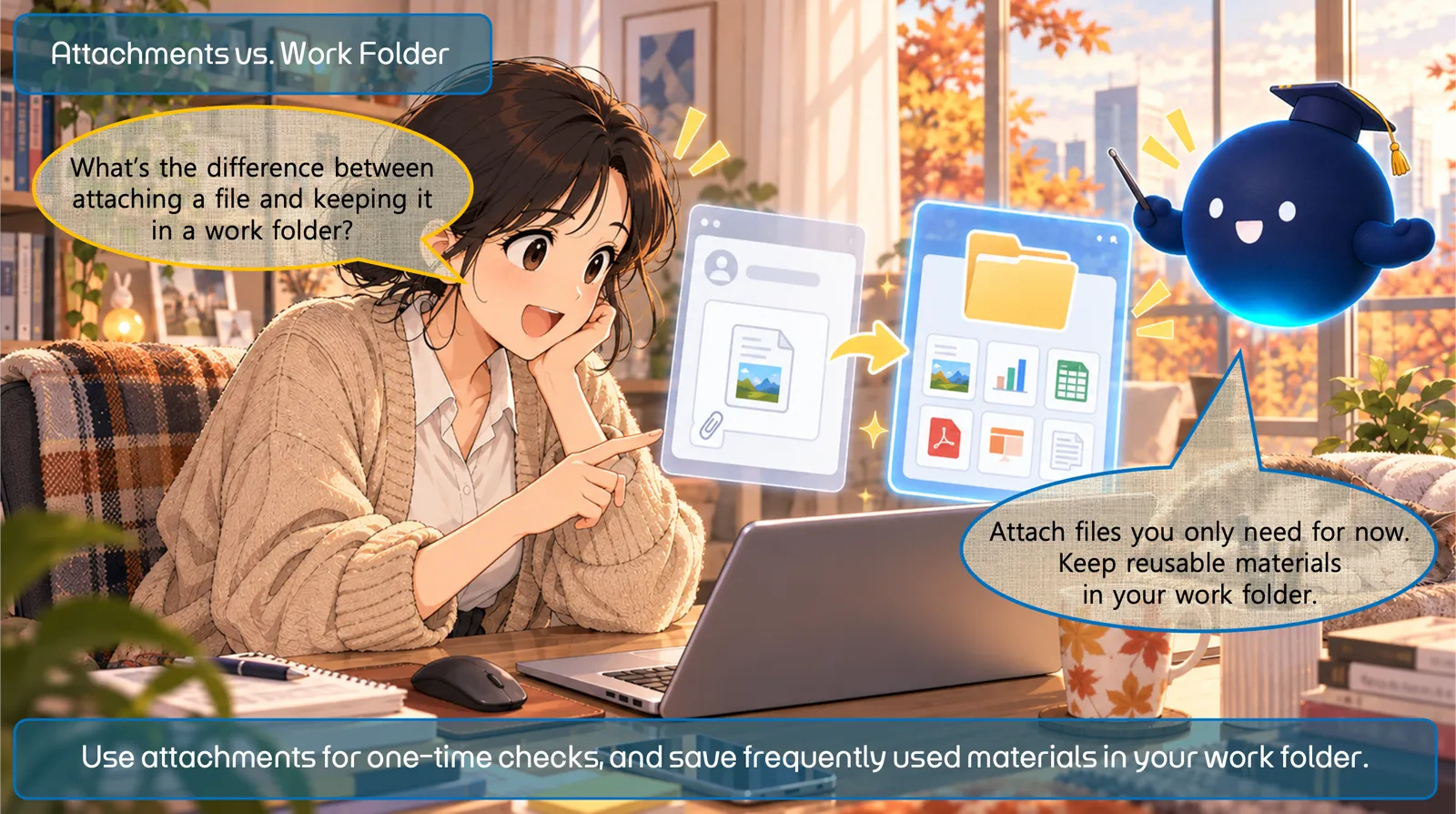
"If it's material you'll keep using, it's best to organize it in a working folder or reference folder."
For a file you'll check only once, attaching it each time is fine.
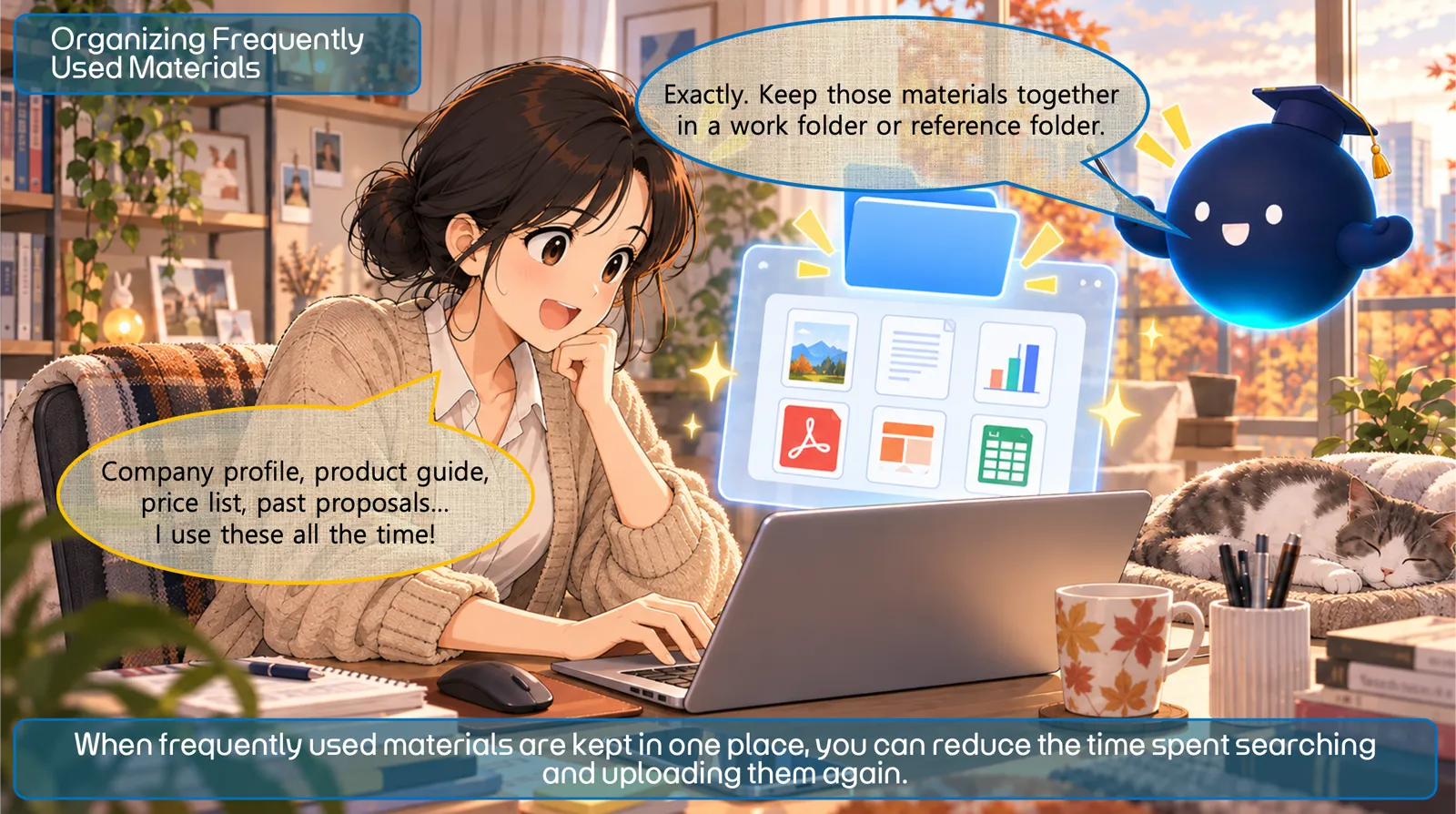
But for materials you'll often use going forward, such as the company profile, product manual, price list, and previous proposals, there's no need to find and upload them again every time.
If you organize them in a working folder or reference folder, Yurika can refer to those materials together in your next task as well.
The way to use AI well isn't only about writing a fresh question each time.
Organizing the work materials you use often and reusing them when needed is also an important way to use it.
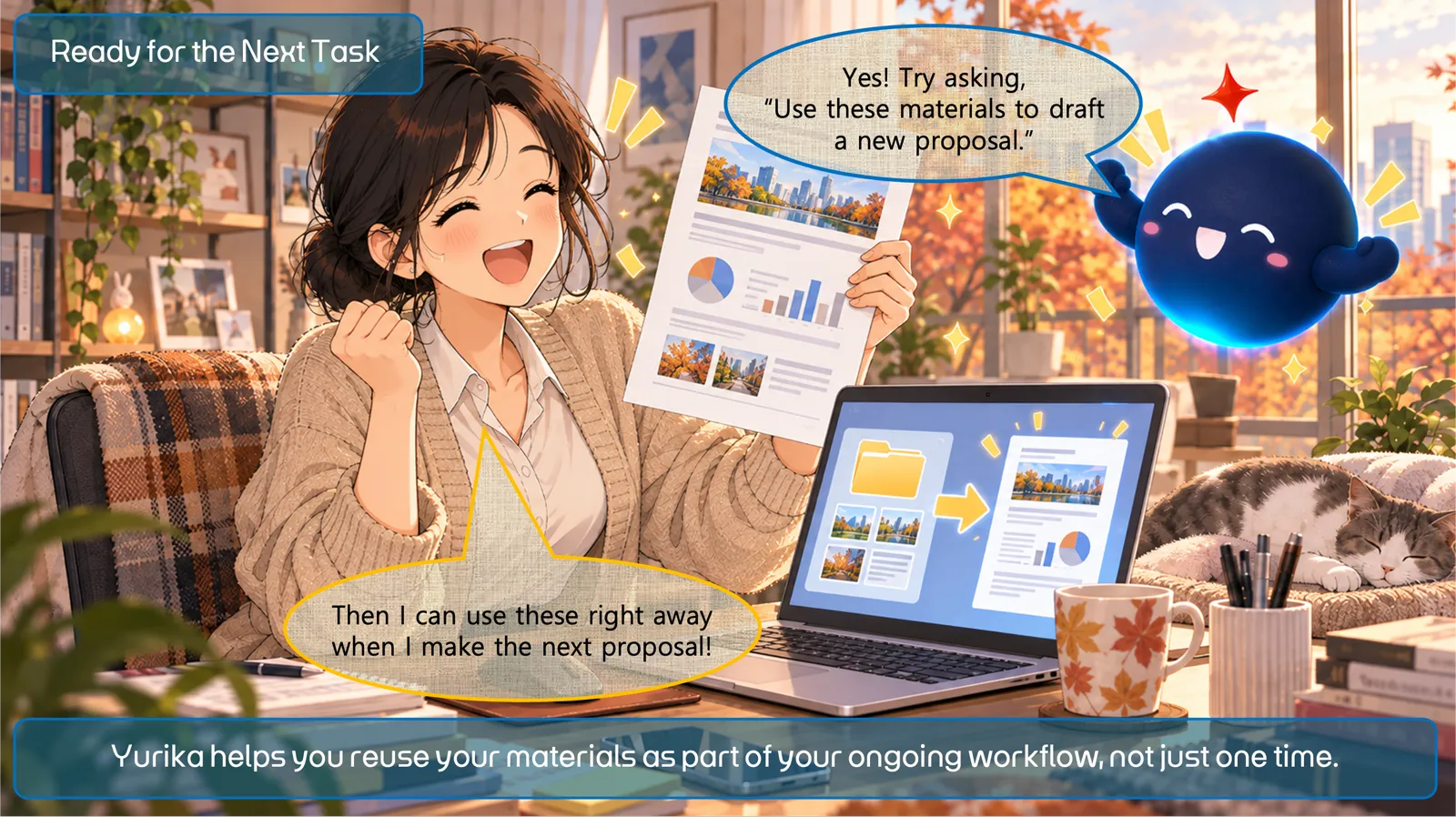
Today, try saying this to Yurika.
"Look at the materials in this working folder and separate the ones I'll keep using from the ones needed only for this task."
In situations like this, do this
When you work, there are materials you end up looking for again every time.
- Company profile
- Product manual
- Price list
- Service introduction materials
- Previous proposals
- Contract templates
- Frequently used report templates
If you've been attaching these anew every time, start separating them now.
- ① Attach the materials you'll check only this once.
- ② Organize the materials you'll keep using in a working folder or reference folder.
- ③ Ask Yurika to sort out which materials would be good to reuse repeatedly.
For example, you can say it like this.
- "From the materials in this folder, set aside the ones I'll keep using going forward."
- "Find materials like the company profile, product manual, and price list that can be used in the next task too."
- "Separate reusable materials from materials specific to this task and organize them in a table."
Yurika is not an AI that reads a file once and is done.
It is a Desktop AI colleague that helps you reuse your frequently used materials to fit your workflow.
Today's Prompt
From the materials in this working folder,
separate the ones that are good to keep referencing from the ones needed only for this task.
If there are materials that can be used in the next task too,
such as the company profile, product manual, price list, and previous proposals, organize them separately.
Finally, organize how these materials could be used going forward
in the format: Reusable materials / Materials for this task / Deliverable formats that can be created next.
AI trends Yurika read
- 1
Enterprise AI use is moving toward 'reusing materials' and 'turning work into assets'
AWS Machine Learning Blog, April 29, 2026When companies first adopted AI, there was a lot of interest in "What can we automate?" But once you actually use AI in your work, more important questions arise: "Where are the materials our team uses often?" "Can we use this material in the next proposal too?" "Instead of creating things from scratch each time, can't we make better use of existing materials?" So in recent workplace AI use, it is becoming important to organize and manage materials not as something used once and discarded, but in a form that can be reused in the next task. Materials such as company profiles, product manuals, price lists, previous proposals, and report templates are not mere files; they are work assets.
Key takeawayThe same goes when using Yurika. Rather than finding and re-uploading the same company profile, product manual, price list, and previous proposals each time, it's better to organize the materials you'll keep using in a working folder or reference folder. The way to use AI well isn't only about writing a fresh question each time. Organizing the materials you use often and making them reusable in the next task is also an important way to use it. Yurika is not an AI that reads a file once and is done; it is a Desktop AI colleague that can refer back to the materials you need within your workflow and carry them through to deliverables. - 2
AI is changing from a 'tool that starts over every time' to an 'agent that remembers context and reuses it'
Microsoft Copilot Blog, May 26, 2026One of the important keywords in the recent AI agent trend is long-term memory. AI is developing not only to answer the current conversation but to remember and reuse important information from earlier work, frequently used materials, user preferences, and recurring work context. AWS, introducing Amazon Bedrock AgentCore Memory, explains that it is not enough for an AI agent to simply store conversation history. What matters is extracting meaningful information from conversations and tasks, merging similar information, and organizing it into knowledge that can be found again later. For example, customer information, frequently used conditions, recurring work patterns, and the key points of earlier work can become materials you no longer have to explain from scratch each time.
Key takeawayYurika can look through such materials together based on your working folder or reference folder, and help separate the materials to reuse repeatedly from those needed only for this task. If you organize your materials this way, next time you won't have to start over from the beginning. You can cut the time spent finding, re-uploading, and re-explaining the materials you need. Work productivity in the AI era doesn't end with simply getting answers quickly. It starts with gathering your frequently used materials well and reusing them to fit your workflow.