
Don't upload files one by one — hand over the whole folder
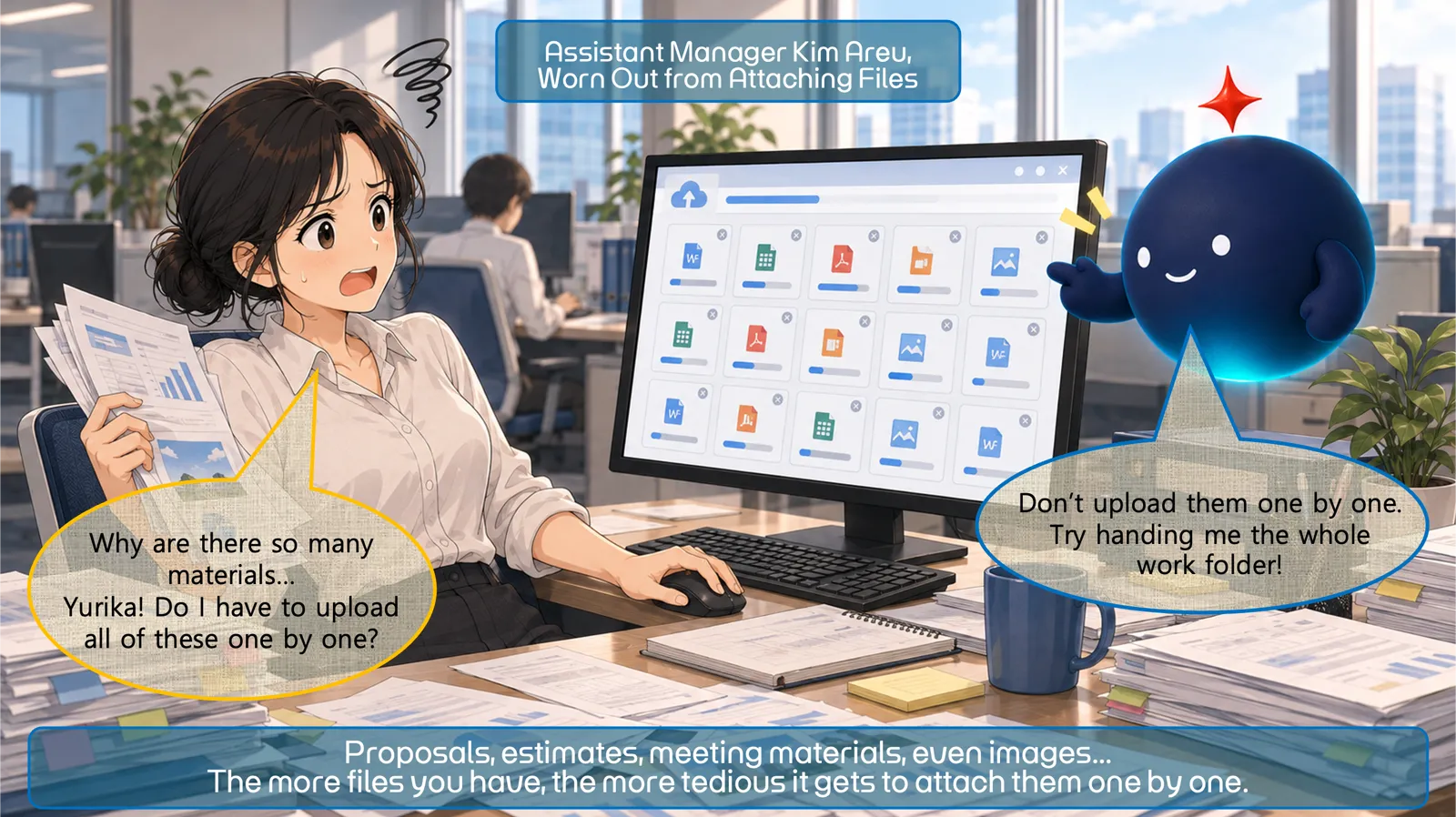
Before using Yurika, Assistant Manager Areu always started by opening files one at a time.
Today's story
Before using Yurika, Assistant Manager Areu always started by opening files one at a time.
Proposals, quotes, meeting materials, images, even documents from earlier versions.
There were lots of materials but she didn't know where to start, so she'd end up spending time opening and closing files one by one.
"To ask an AI about this, do I have to upload every file one by one?"
That's when Yurika speaks up.
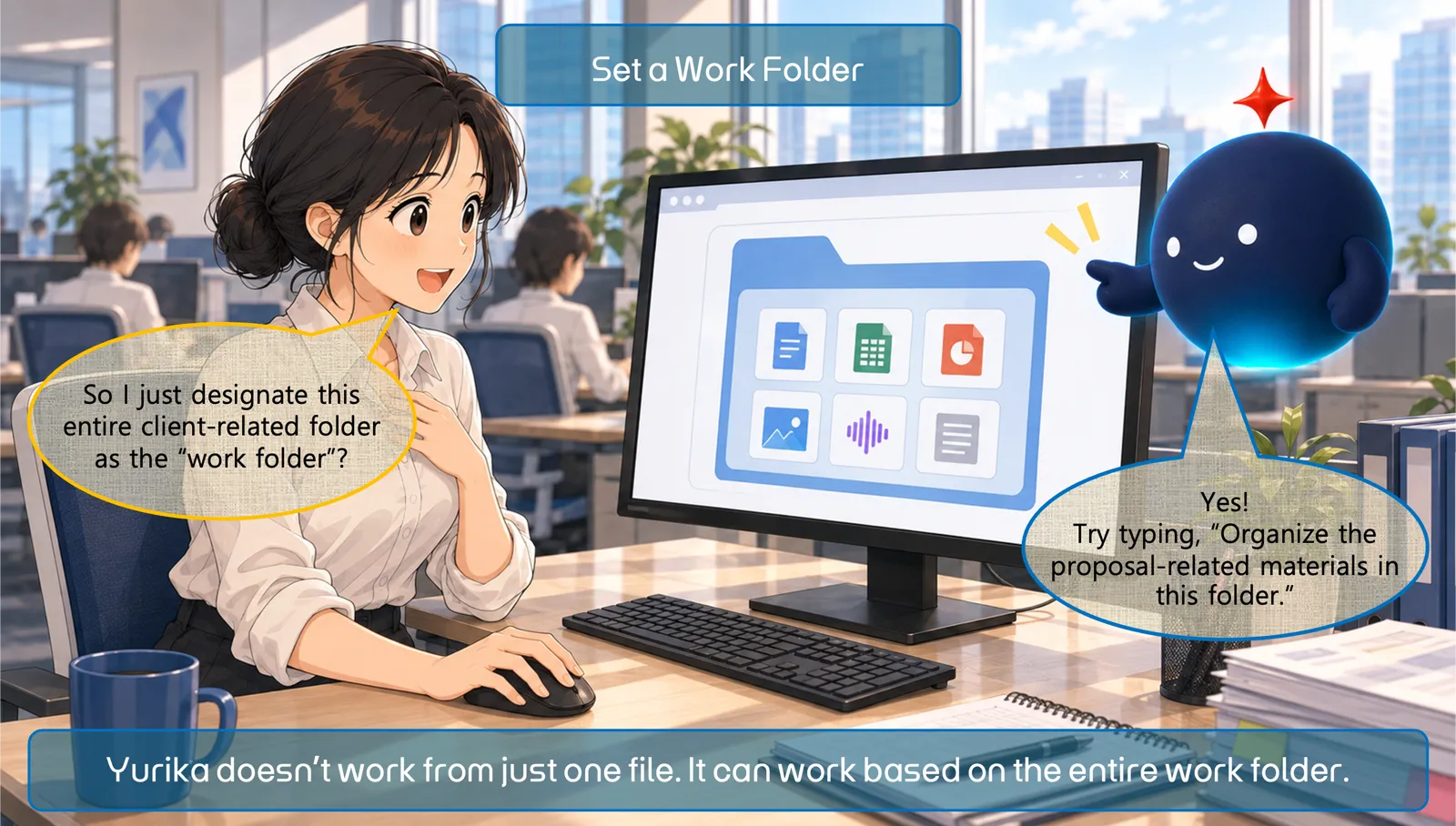
"You don't have to upload them one by one.
Specify a working folder and hand over the whole folder."
Yurika is not an AI that looks at just one file.
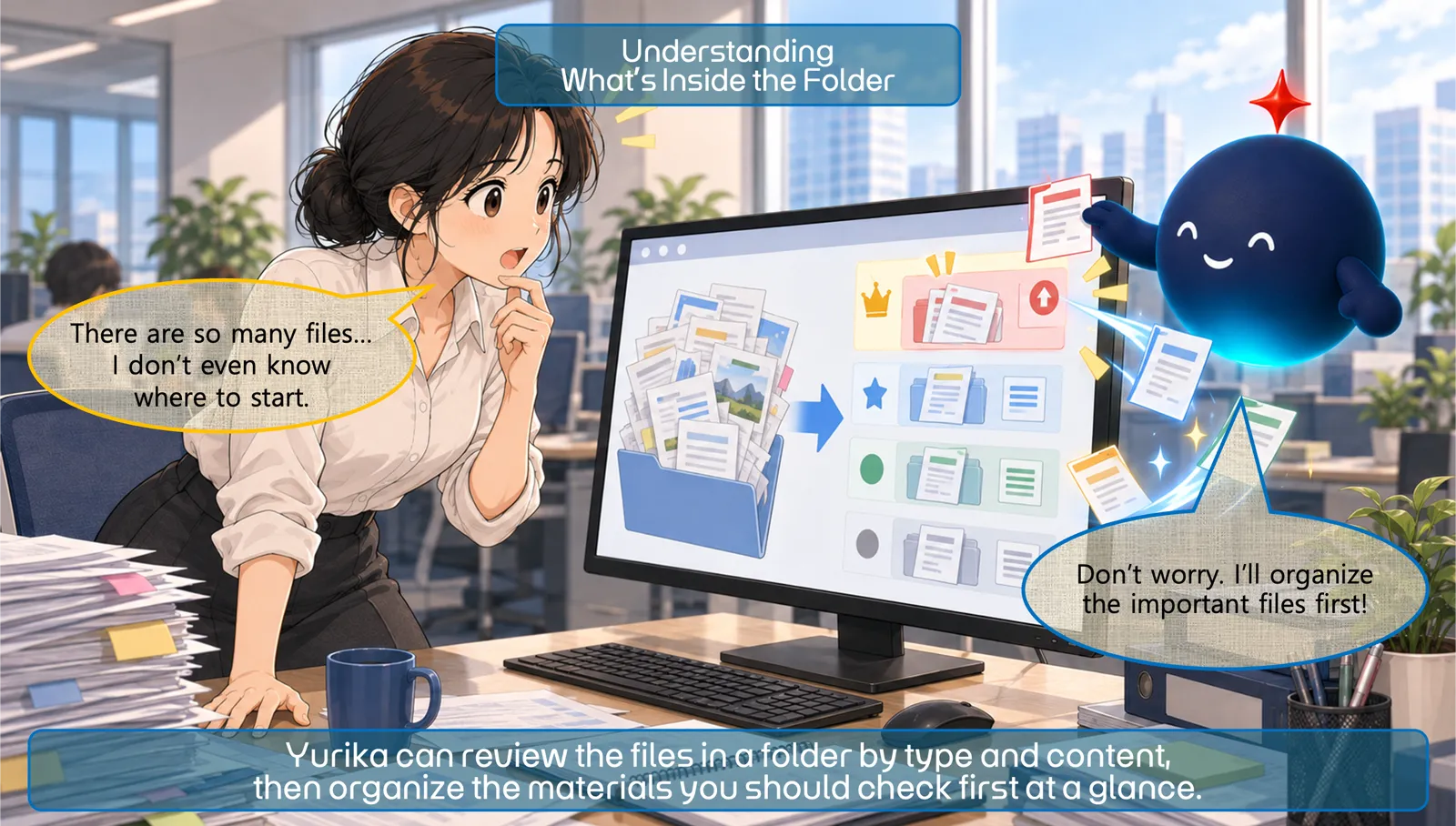
Within the working folder on your computer, it can look through several materials together and organize which files there are and which content to check first.
And it doesn't end there.
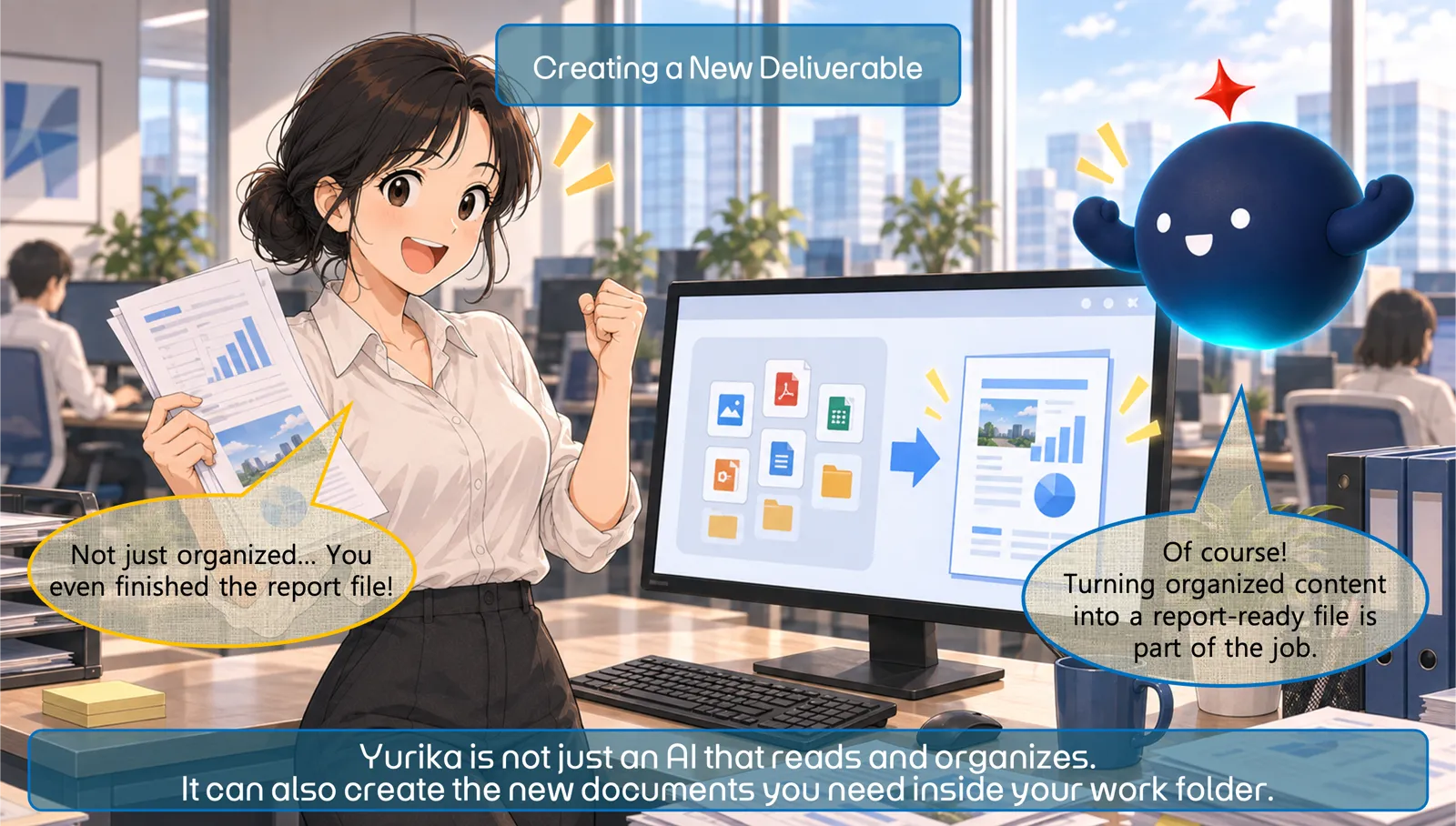
Based on what it has organized, it can even create new deliverables such as a report file, an email draft, or a checklist.
More important than asking the AI good questions
is handing over one task folder you need to deal with right now.
Today, try typing this to Yurika.
"Look at the files in this folder and organize what I should check first."
In situations like this, do this
If you've installed Yurika but still don't know what to do,
don't try to attach files one by one; start by specifying a working folder.
- ① Launch Yurika and specify a working folder.
- ② Copy the sentences in the gray box below as they are and paste them into the chat window.
- ③ After checking the result, keep going by requesting the format you need.
For example, you can continue like this.
- "Turn this into a one-page summary to report to the team lead."
- "Organize the items I need to check into a checklist."
- "Turn this into a draft of an announcement email to send to the customer."
Yurika is not an AI that reads and stops;
it is a Desktop AI colleague that builds actual deliverables with you based on the materials in your working folder.
Today's Prompt
Look at the files in this working folder
and organize the materials related to this task.
Tell me what each file contains,
which files I should check first,
and what content can be turned into a deliverable right away.
In particular, if there are proposals, quotes, meeting materials, images, or documents from earlier versions,
sort them out and organize what each is best used for.
Finally, organize this so I can report it to the team lead
in the format: Key materials / Items to check first / Next actions.
AI trends Yurika read
- 1
AI is moving from a 'chatbot that answers' to an 'agent that takes on work and carries it out'
AI trends Yurika read, 2026.9The recent trend in AI is moving beyond chatbots that simply answer questions toward AI agents that understand the user's goal, break it into multiple steps, and carry out the actual work. Where it used to be about asking AI to 'summarize this document', it is now becoming important to hand over the whole workflow, as in 'look at these materials, organize the necessary content, and turn it into a report document'. In enterprise work especially, AI is developing in the direction of handling documents, files, and systems together to reduce people's repetitive tasks.
Key takeawayYurika is on the same trend. Rather than uploading one file and asking a question, the focus is on looking at the materials in the working folder together, organizing the necessary content, and even creating new deliverables. AI is no longer a 'tool for asking for answers' but is getting closer to a work colleague to whom you hand over what you were doing, step by step. - 2
Companies are thinking less about using AI more, and more about 'how to use it safely and well'
AI trends Yurika read, 2026.9As AI use grows, companies now care more about "what materials can we entrust to AI, and how far can we entrust them?" than about "is it okay to use AI?" In particular, as workplace AI advances to reading files, creating documents, and running tools, standards such as permissions, security, and final human confirmation are becoming important. In other words, the trend is growing stronger of not simply blocking AI outright, but managing it so that it is used safely within the scope needed for work.
Key takeawayWhen using Yurika, too, what matters is not 'throwing just anything at the AI'. It's best to set a working folder, hand over the materials you need, check the results, and keep giving instructions. The key in the AI era is not simply using AI a lot, but handing over your work materials with clear criteria and working together while a person checks the results.