
The 10-second miracle: a rough scribbled note becomes a polished proposal
Shapes drawn freely on a meeting room whiteboard, scribbled notes hastily jotted in a personal notebook whenever an idea struck... It's a situation e…
Today's story
Shapes drawn freely on a meeting room whiteboard, scribbled notes hastily jotted in a personal notebook whenever an idea struck... It's a situation every office worker has been through at least once. The meeting ended like a storm, and all Assistant Manager Areu was left holding was doodles with no context.
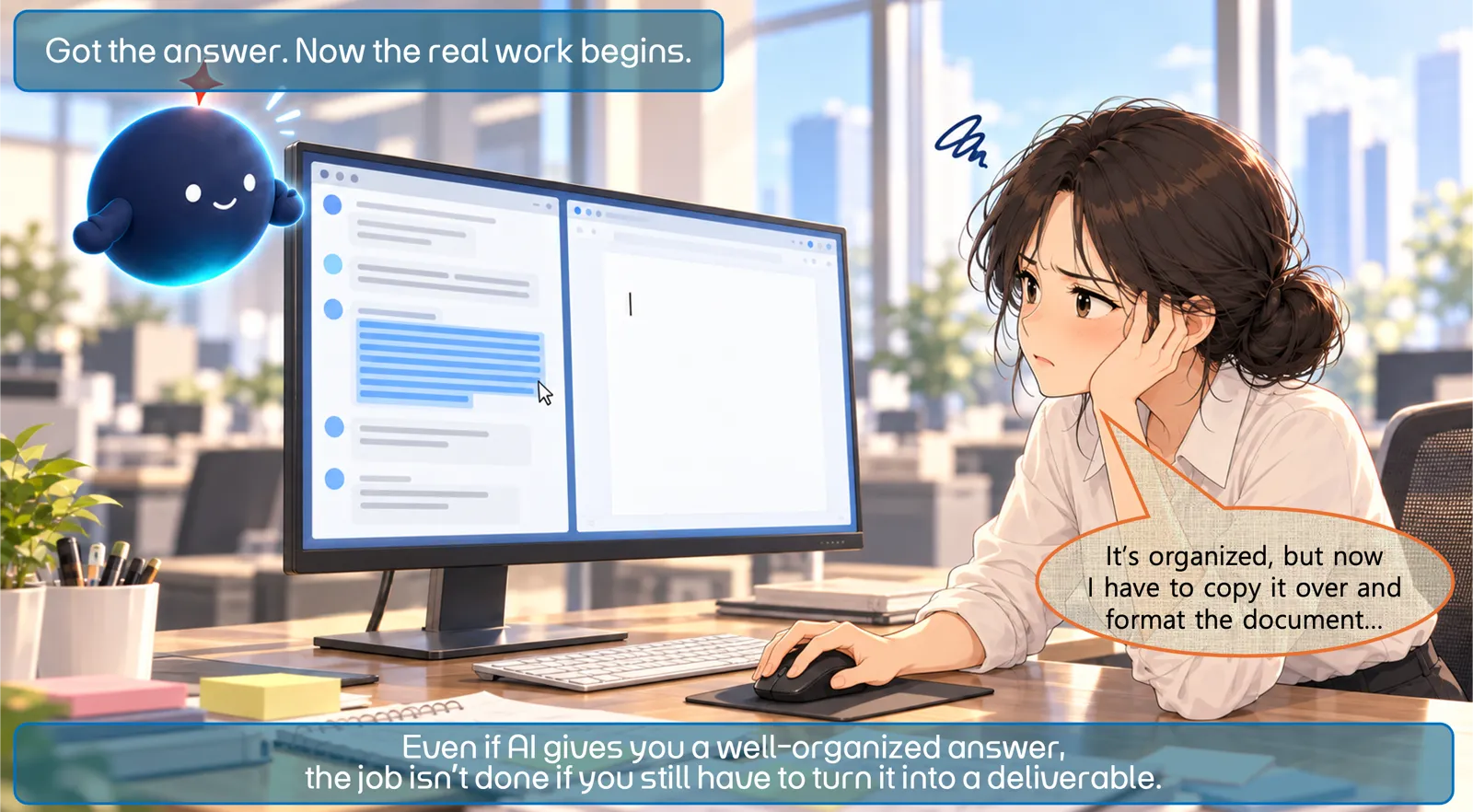
"Areu! Turn that brainstorm from earlier into a proper proposal format in 30 minutes!" The department head's bolt-from-the-blue instruction comes down. Areu opens the laptop and a blank Word document and tries typing the handwriting in one piece at a time, but the line breaks are a mess, and the carefully drawn table layout falls apart every time it's copied. 'Ah, fixing alignment and fonts, looks like another late night...' Areu despairs.
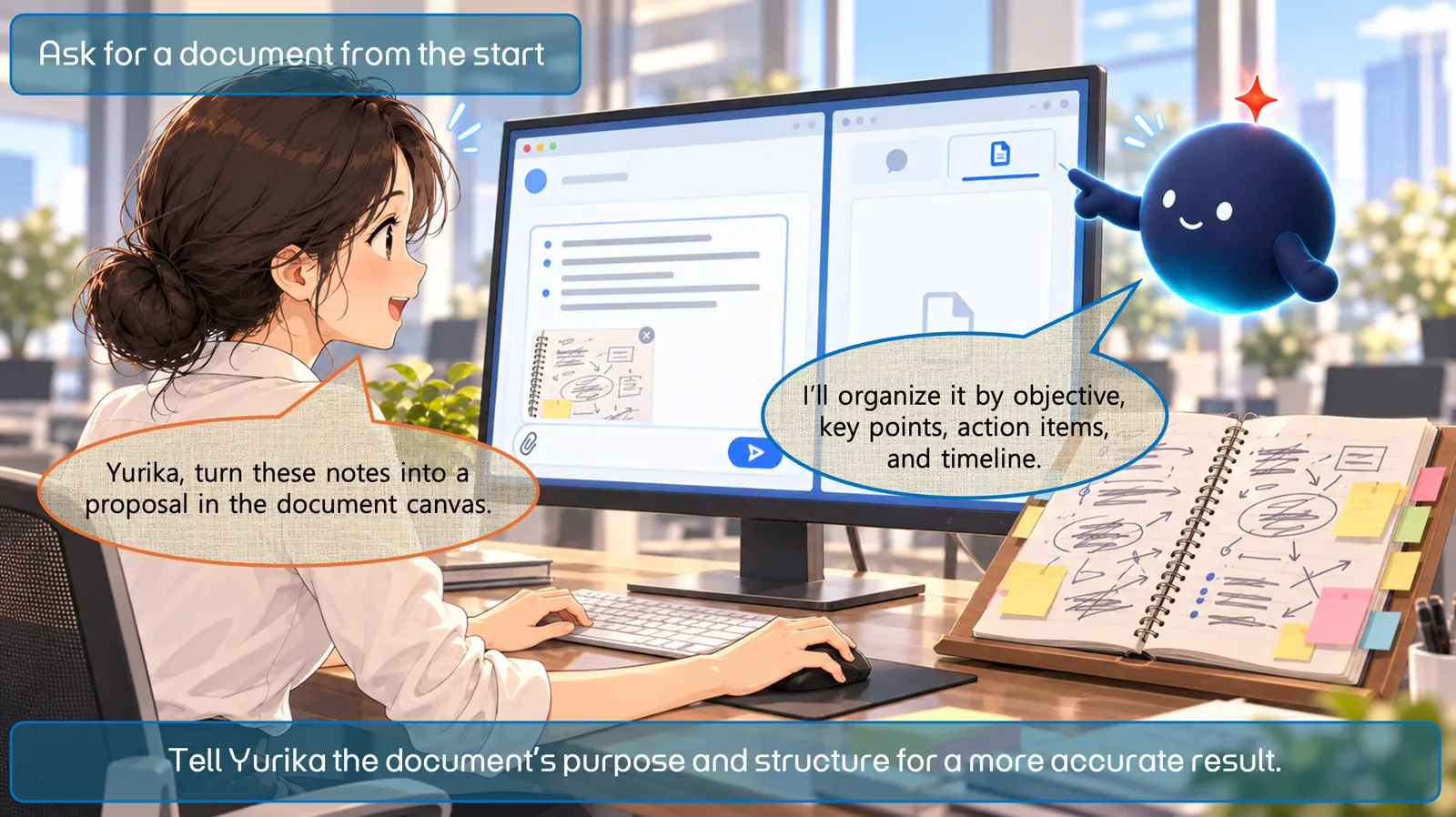
Then Yurika, the problem solver, appears like a savior, the lightning mark above its head flashing! "Areu, no more copy-paste drudgery of scraping answers and moving them around! Just drop your scribbled notes or a whiteboard photo straight into Yurika's 'Desktop space'!"
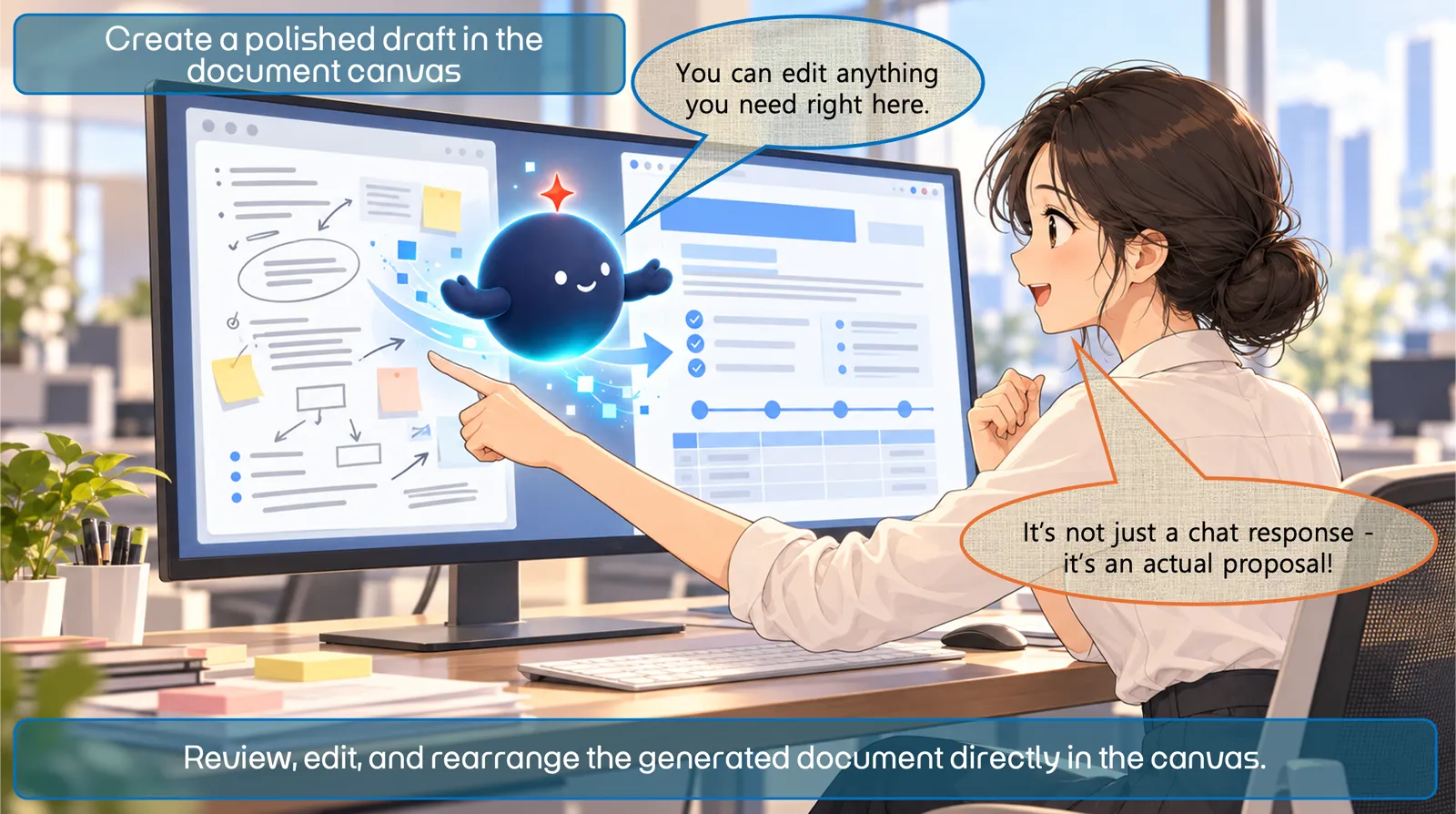
Giving it a try, Areu drops the notebook photo into the Desktop space and types just one line, "Organize this into a polished proposal format on the right Canvas"... and something amazing happens. The 'document Canvas' on the right side of the screen moves in real time and builds a complete, proper proposal right before Areu's eyes, with a main title, a tidy outline, and an easy-to-read table structure!
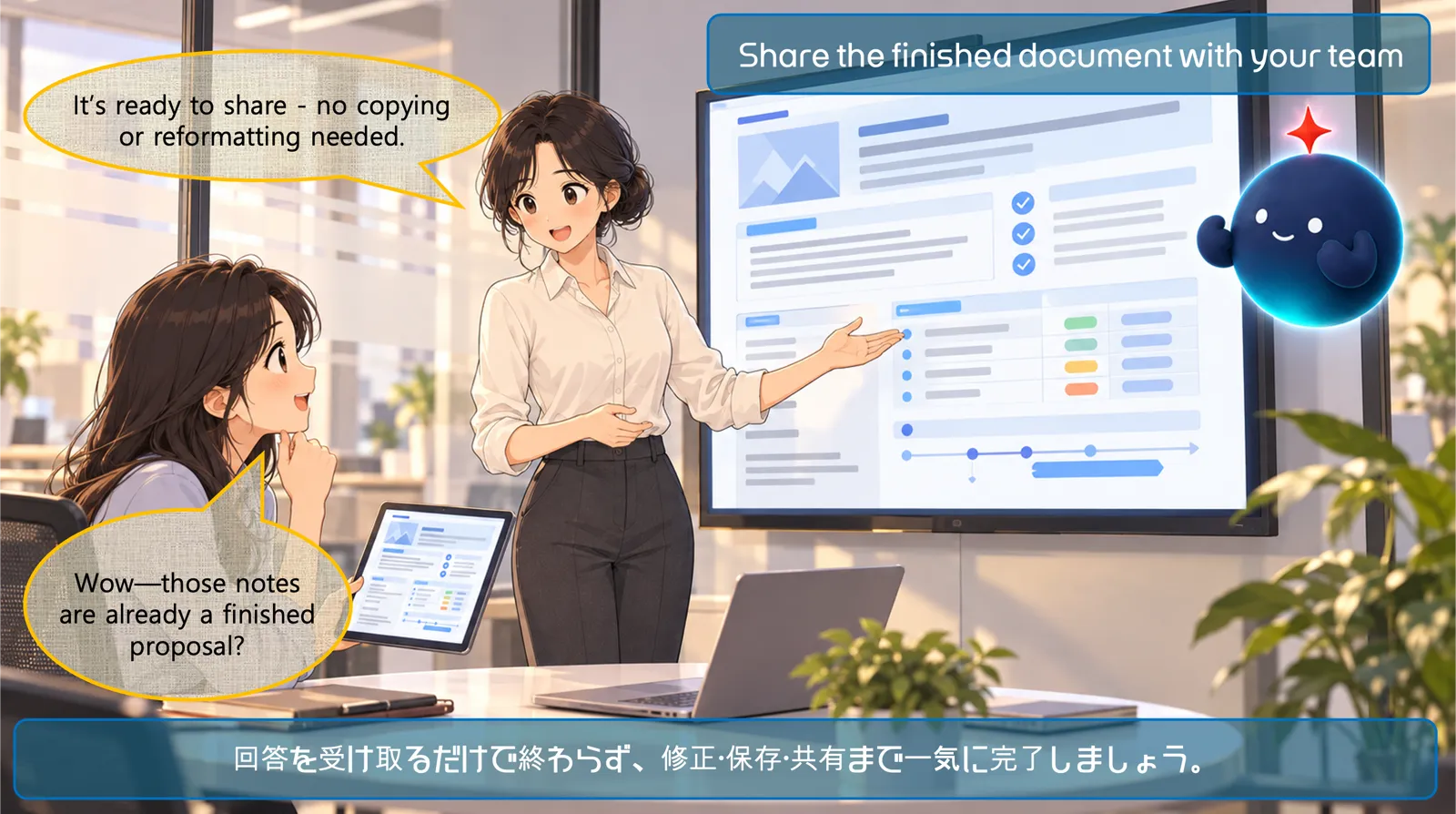
Areu sheds tears of gratitude, fixes just a few typos in the Canvas editor with the mouse, and clicks the 'Export as Word file (.docx)' button. In an instant, a perfect first draft is saved to the folder on Areu's PC. "Department head, the proposal is submitted! I'm leaving on time today!" With Yurika, it takes just 10 seconds to turn a raw idea into a proper document.
Today's key message
A 10-second quick roadmap from raw doodles to a proposal
Say goodbye to the hassle of dragging AI answers with the mouse into a notepad or a chat app and fixing the formatting by hand.
- Snap a photo of your handwritten notes or the meeting room whiteboard with your smartphone.
- Launch Yurika and drag the image file into the 'Desktop space' to upload it.
- Copy the all-purpose prompt below and paste it into the input box.
- Refine it in real time in the document Canvas that opens on the right, then click the download icon at the top right to export it instantly as a Word file (.docx) or Markdown (.md), and your proposal draft is done!
Today's prompt
Analyze the handwritten doodles in this image and the overall flow of ideas.
Refine the casually jotted thoughts in the doodles into polished, professional business language, and write them anew in a formal proposal format in the 'document Canvas' on the right side of the screen.
[Proposal must include]:
1. Background and purpose of the plan (expanded in specific detail)
2. Key implementation approach and detailed action plan (neatly organized in table form)
3. Expected benefits and next-step Action Items
AI trends Yurika read
- 1
AI that sees differently: understanding even business processes from a single image
McKinsey & Company, The State of AI in 2026: Multimodal Vision Agents at Work, 2026. 10Recent multimodal vision AI models have completely moved beyond the rudimentary level of simply describing objects in a photo. They can now analyze, at a glance, complex system architecture diagrams, blackboard-doodle mind maps, and business process flowcharts with tangled arrows, grasp the logical context within them, and instantly reassemble it into structured text or a proposal.
Key takeawayYurika's 'Desktop space' also comes with this powerful multimodal vision capability. Even rough doodles scribbled by hand in a notebook because there was no time to open a laptop and type, or a photo of a freely brainstormed meeting room whiteboard, are enough: just upload them as they are and Yurika finds the skeleton of the plan. Attaching an image is no longer just sharing material; it's a tool for sharing 'visual context' with AI and making communication 10 times faster.Read the source › - 2
The end of the era of copy-pasting long chat text: the 'document Canvas' becomes the standard
Forrester Research, The Evolution of AI Interface: From Chatbots to Collaborative Workspace Canvas, 2026. 10Recently, global AI services such as OpenAI's Canvas and Anthropic's Artifacts have been racing to put an innovative UI/UX front and center, one that breaks out of the narrow frame of the 'chat window' and opens an independent 'document/code editing window' on the right side of the screen. This is because the old chat window format created a fragmented inefficiency: when the AI produced a long answer line after line, users had to select it with the mouse and copy-paste it piece by piece.
Key takeawayYurika built a dedicated 'document Canvas' environment on the right side early on, offering a consistent user experience. Proposal and report drafts that Yurika writes don't clutter the chat window; they're assembled as finished, neatly formatted documents in the Canvas on the right, where users can refine them in real time with mouse and keyboard and download them immediately as Word (.docx) files.