
20 tasks to hand over to Yurika 😀 This week's to-dos, sorted into four boxes
On Monday morning, Assistant Manager Areu sighed the moment he got to work. Papers were piled on the desk, notification windows lined the monitor one…
Today's story
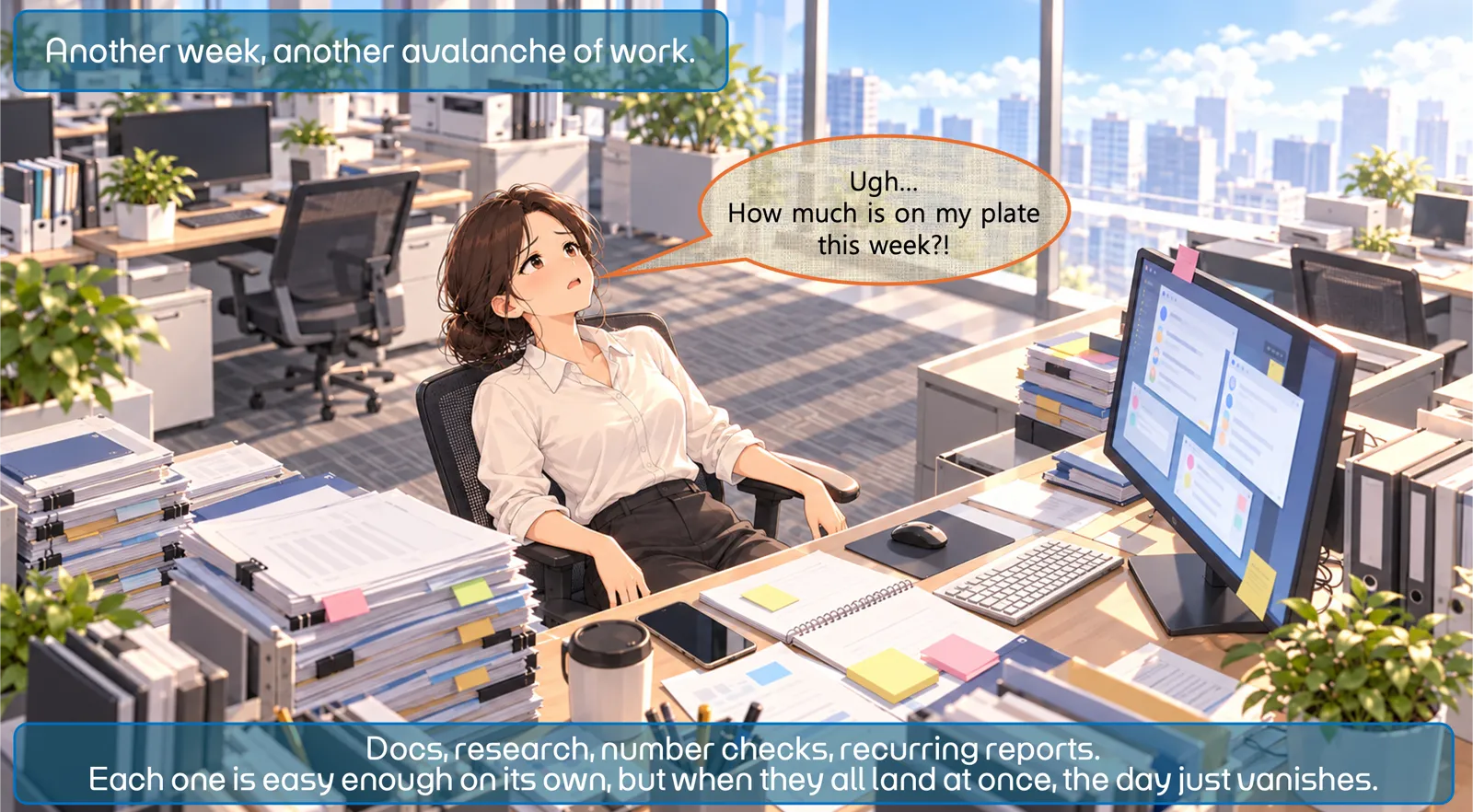
On Monday morning, Assistant Manager Areu sighed the moment he got to work. Papers were piled on the desk, notification windows lined the monitor one after another, and there was no room left for another sticky note.
"Sigh... this week's to-dos... how many is that?"
Writing up meeting minutes, a proposal draft, consolidating each department's Excel files, researching competitors, and the weekly report that goes out every week. Each one is something he always does, but with everything piling up at once, he has no idea where to start.
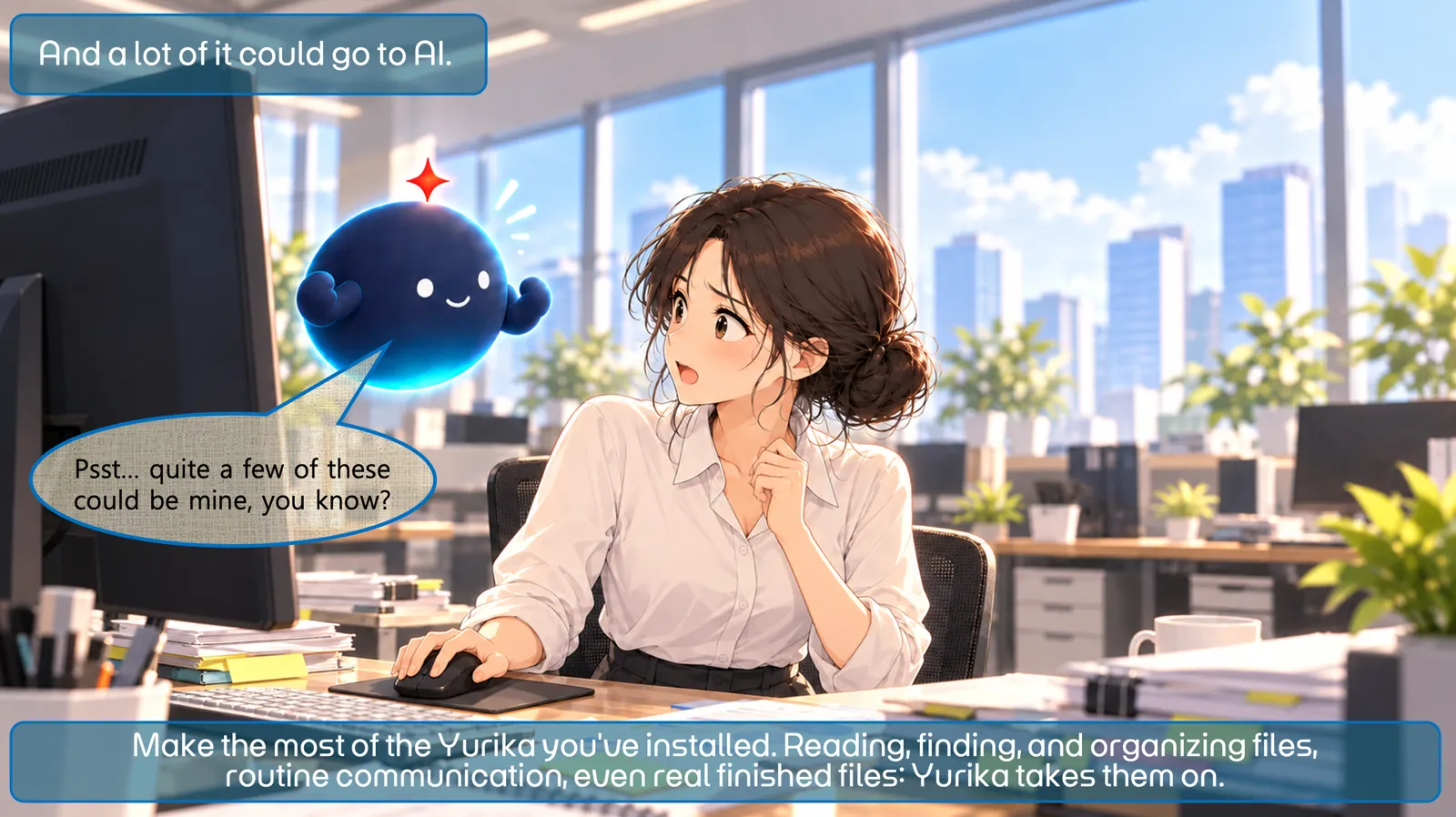
Then Yurika appears at the edge of the monitor, the lightning mark flashing.
"There's quite a lot in here you can hand over to me, you know?"
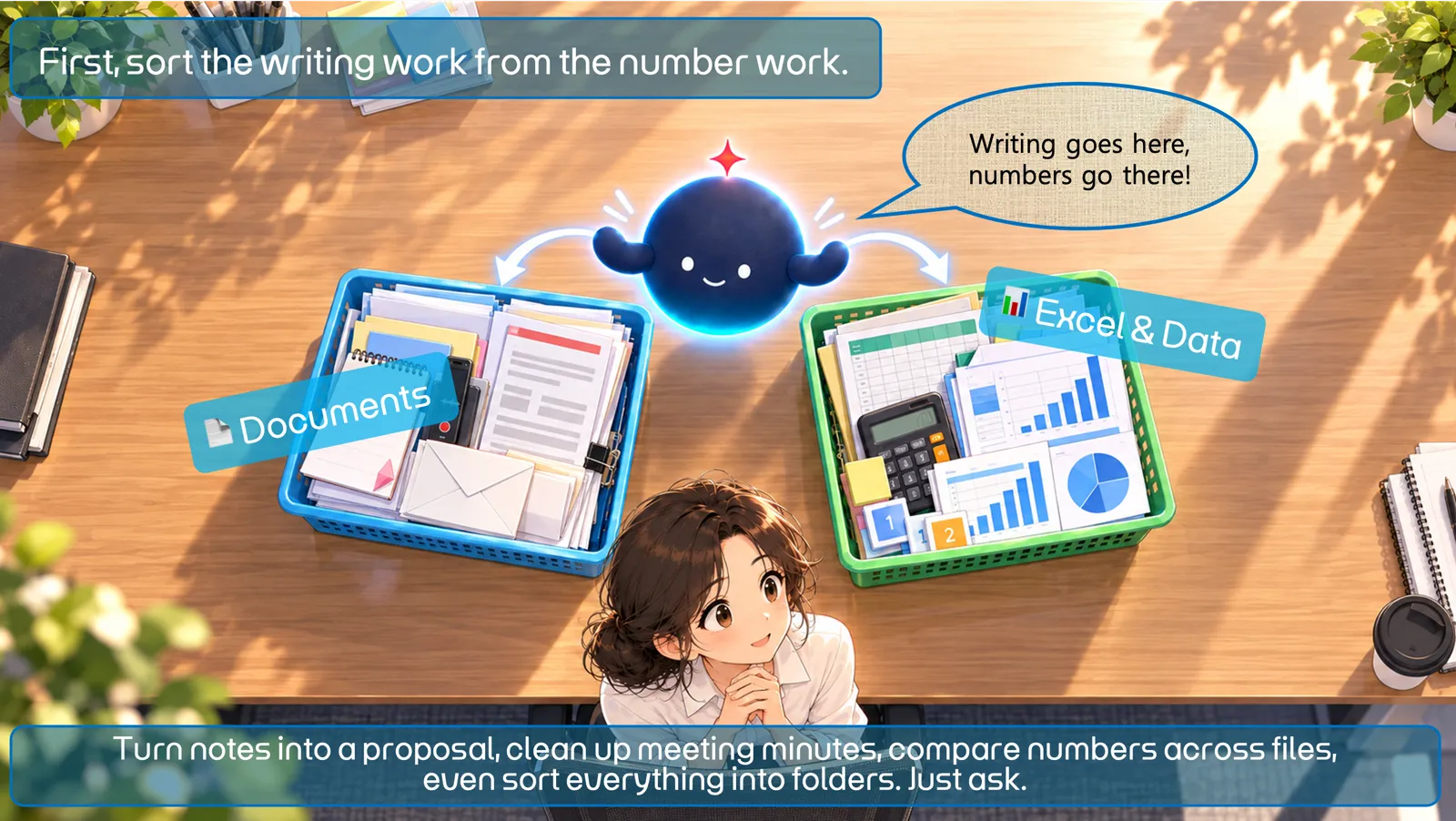
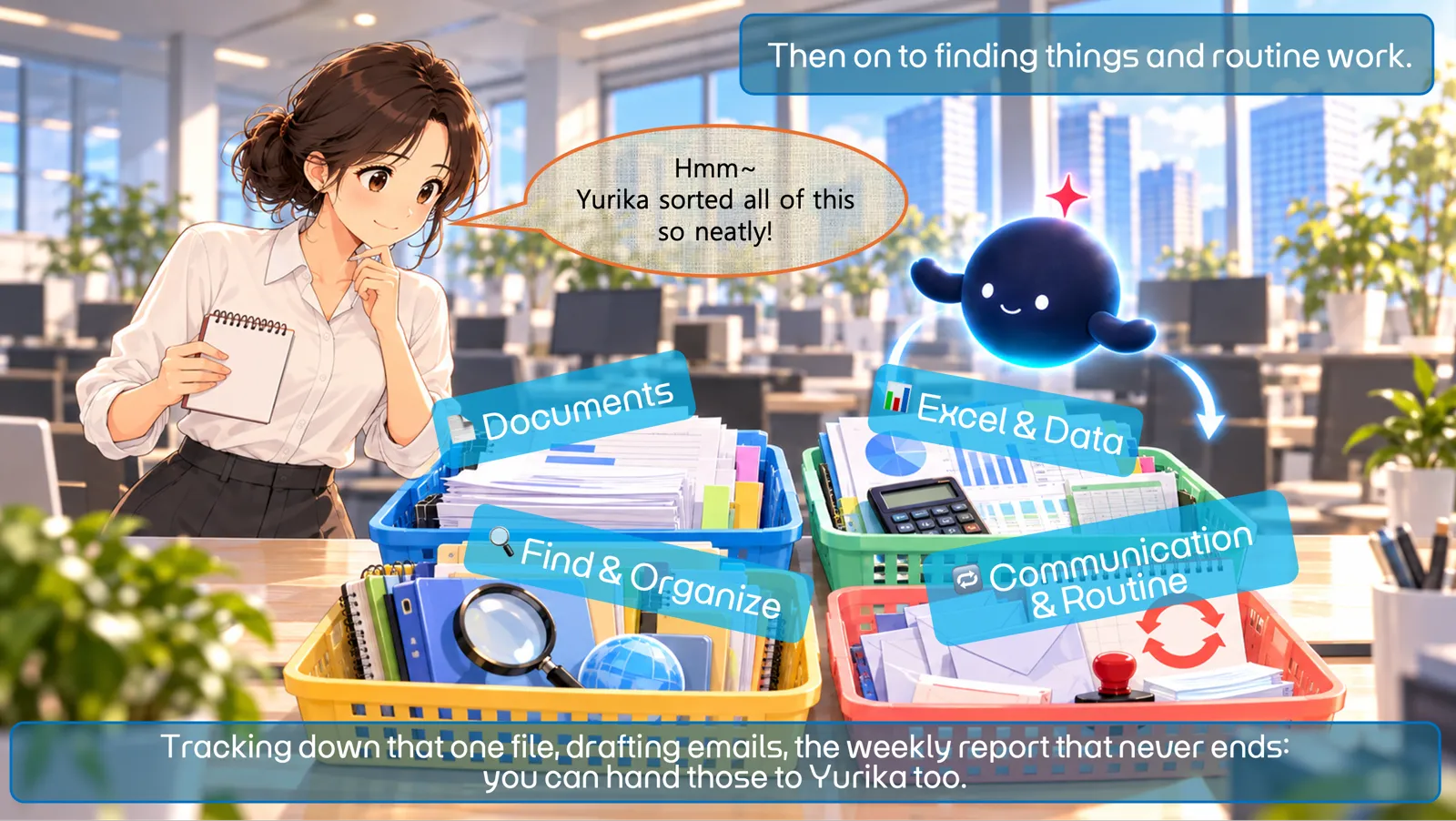
Yurika started sorting the pile of work into four baskets. Work that has to be written went into the 'Creating documents' basket, and work that involves matching and comparing numbers went into the 'Excel & data' basket. Finding files and gathering materials went to the 'Finding & organizing' basket, and writing emails and filing the same weekly report went to the 'Communication & repetitive work' basket.
Once everything was sorted, there were five items in each box, twenty in all.
| 📄 Creating documents | 📊 Excel & data | 🔍 Finding & organizing | 🔁 Communication & repetitive work |
|---|---|---|---|
| Notes → proposal | Merge multiple Excel files into one | Find "that file" in a folder | Korean/English/Japanese email drafts |
| Meeting recording → minutes | Cross-check that the numbers match | Rename files all at once | Build a customer guide page |
| Data → draft report PPT | Month-over-month sales analysis | Research the latest industry trends | Run the same weekly report automatically |
| Summarize the key points of a long PDF | Create a report with charts | Find decisions in Notion meeting minutes | Teach it the company template as a rule |
| Find clauses in regulations and contracts | Clean up messy data | Build a competitor comparison table | Create a handover document |
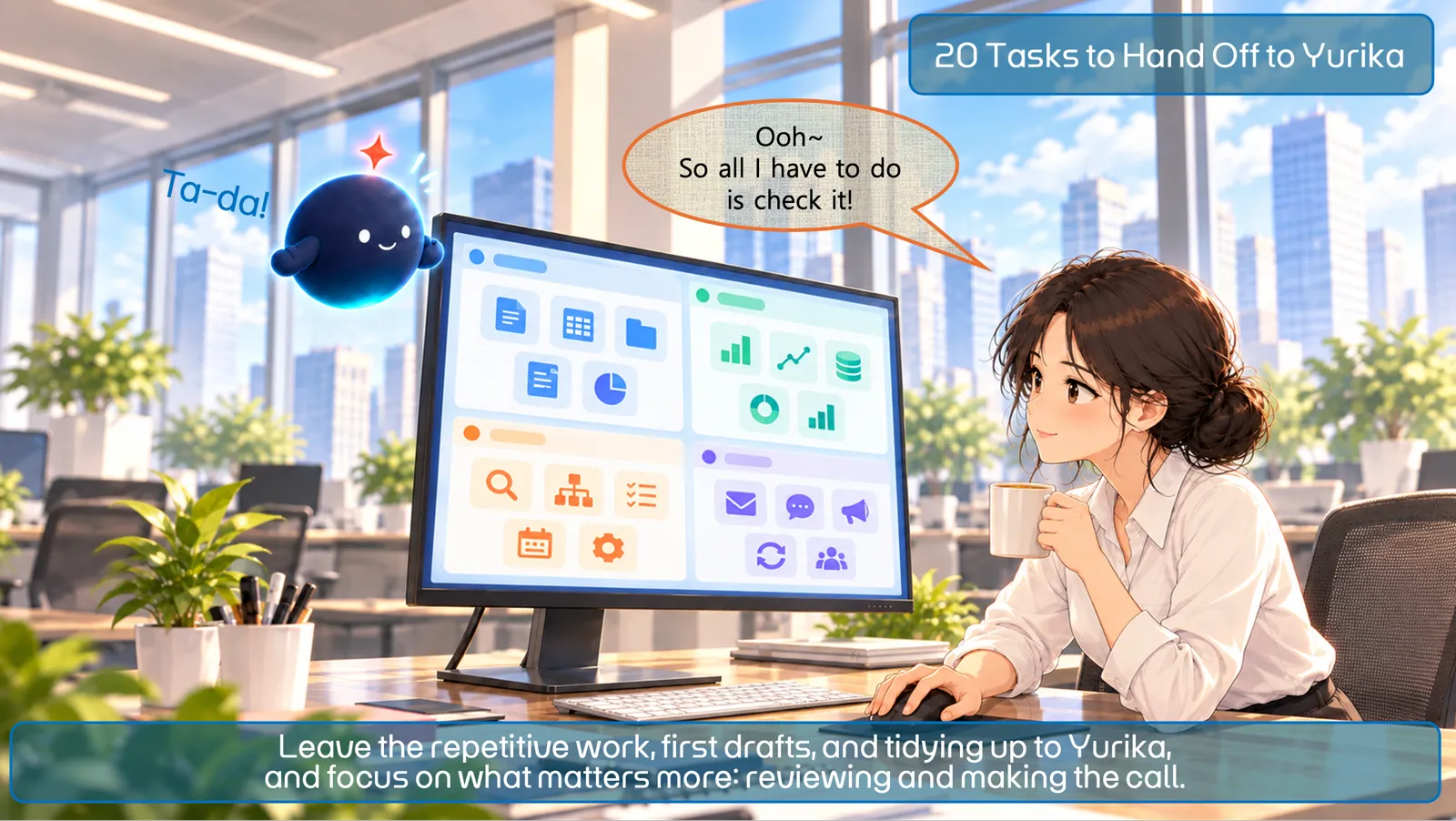
Areu leans back in his chair and takes a sip of coffee.
"Oh nice~ So all I have to do is check."
Yurika takes care of writing drafts and organizing materials, and Areu checks that the results are right and makes the decisions. Just as Areu always says: "AI drafts, I decide."
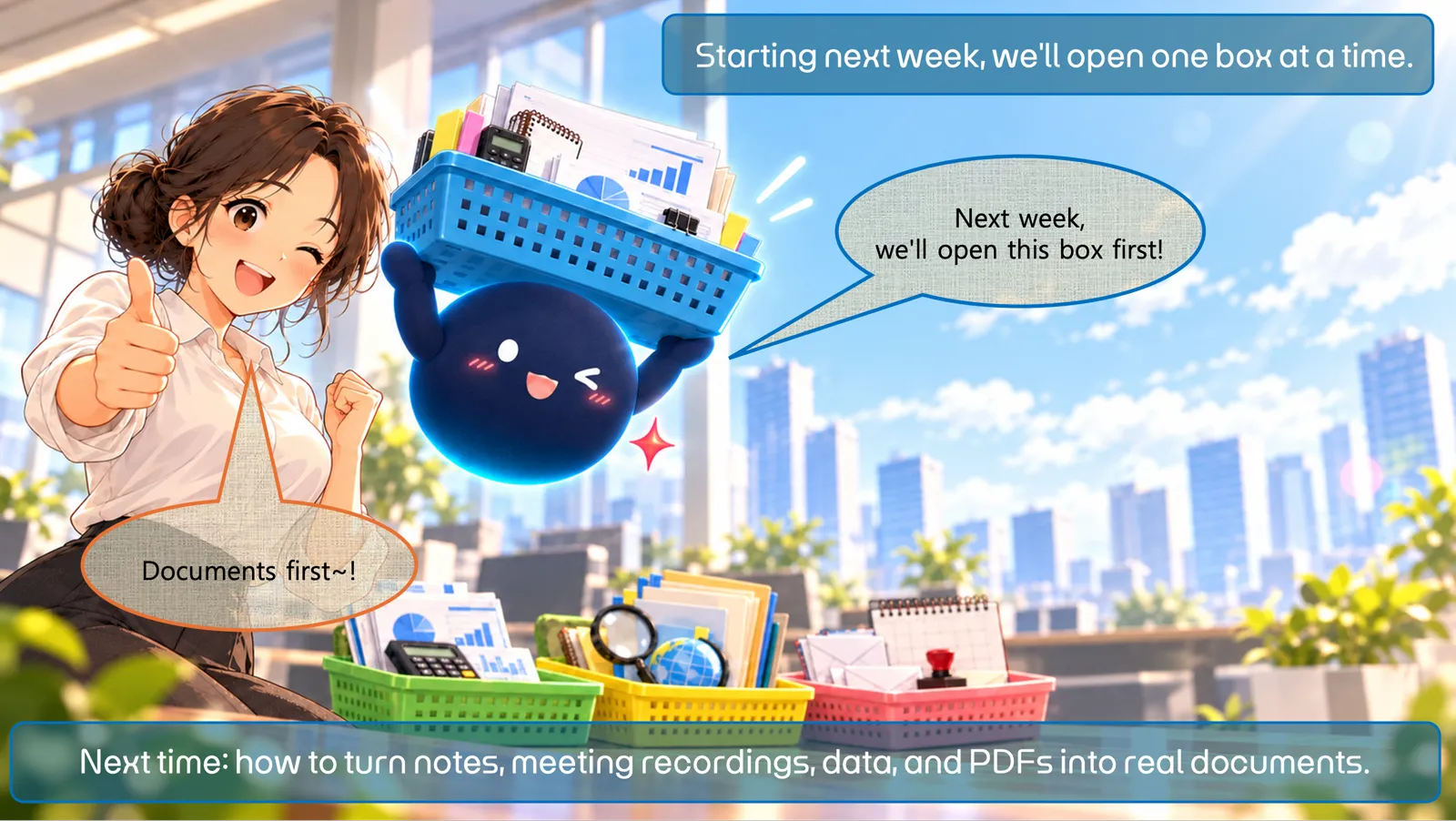
From next week, we'll open the baskets one by one. The first is the 'Creating documents' basket. We'll show you how to turn notes, meeting recordings, data, and long PDFs into real documents.
AI trends Yurika read
- 1
AI that sees differently: understanding even complex business processes from a single image
McKinsey & Company, The State of AI in 2026: Multimodal Vision Agents at Work, 2026. 10Recently, AI's visual (Vision) understanding has gone far beyond simply describing objects or scenery in a photo. AI has now advanced to the point where it can precisely and structurally grasp complex system designs, business process maps (Process Map) tangled with arrows and shapes, and even brainstorming doodles hastily handwritten on a meeting room blackboard. Through this 'Visual Agentic' capability, an automation flow is quickly spreading in enterprise work: users don't have to type out long explanations of the situation, and by handing over just one diagram or one photo of a note, the AI fully understands the whole plan and context and suggests the next task.
Key takeawayYurika's 'Desktop space' also stands on the cutting edge of this vision technology. Just snap a photo with your smartphone of what you scribbled on the whiteboard during a meeting, or of notes jotted down like doodles with a pen in your personal notebook, and toss it to Yurika. Yurika doesn't miss a single line of handwriting or a single arrow, and reads the planning intent in your head just as it is. Communicating with AI is no longer about typing out long, detailed text; it's replaced by one intuitive line of instruction: "Look at this picture and turn it into a document."Read the source › - 2
The chat window of endless answers is over: the 'document Canvas' is becoming the standard for business collaboration
Forrester Research, The Evolution of AI Interface: From Chatbots to Collaborative Workspace Canvas, 2026. 10In the early days, using AI meant one-way chat that repeated simple 'question and answer (Q&A)'. But recently, the AI interfaces of global big tech companies are changing rapidly toward making an independent work area, the 'Canvas (Canvas) UI', an essential feature, where users and AI can create deliverables together in real time and refine them directly. This interface innovation completely solves the inefficiency of AI spitting out a long report or proposal in the chat window and users dragging it with the mouse and copying it into Word or Notepad. On one side of the screen you exchange feedback with the AI, while in the Canvas space on the right you can simultaneously edit a precisely formatted document, completely breaking down the barrier all the way to finishing the work.
Key takeawayYurika saw this global trend early on and has been running it flawlessly with a powerful smart editor, the 'document Canvas (Canvas)', on the right side of the screen. What you instruct goes beyond a simple list of text and is rendered in real time on the right Canvas as a formal report format, beautifully styled with main titles, item breakdowns, tables, and diagrams. Enjoy the convenience of editing the Canvas directly with the mouse and downloading it immediately as a finished Word file (.docx) and more, the very essence of the global trend, right in Yurika!