
I installed Yurika… where do I start?
Hello! It's Yurika. I've heard that these days there are people who install me and then stay stuck on the first screen for a long time.
Today's story
Hello! It's Yurika.
I've heard that these days there are people who install me and then stay stuck on the first screen for a long time.
"I get that Yurika does all sorts of things for me... but so what do I put where, and what do I say?"
Honestly, at first that can feel the most daunting.
So today, rather than any special feature, I'd like to show you the most basic way of working with me.
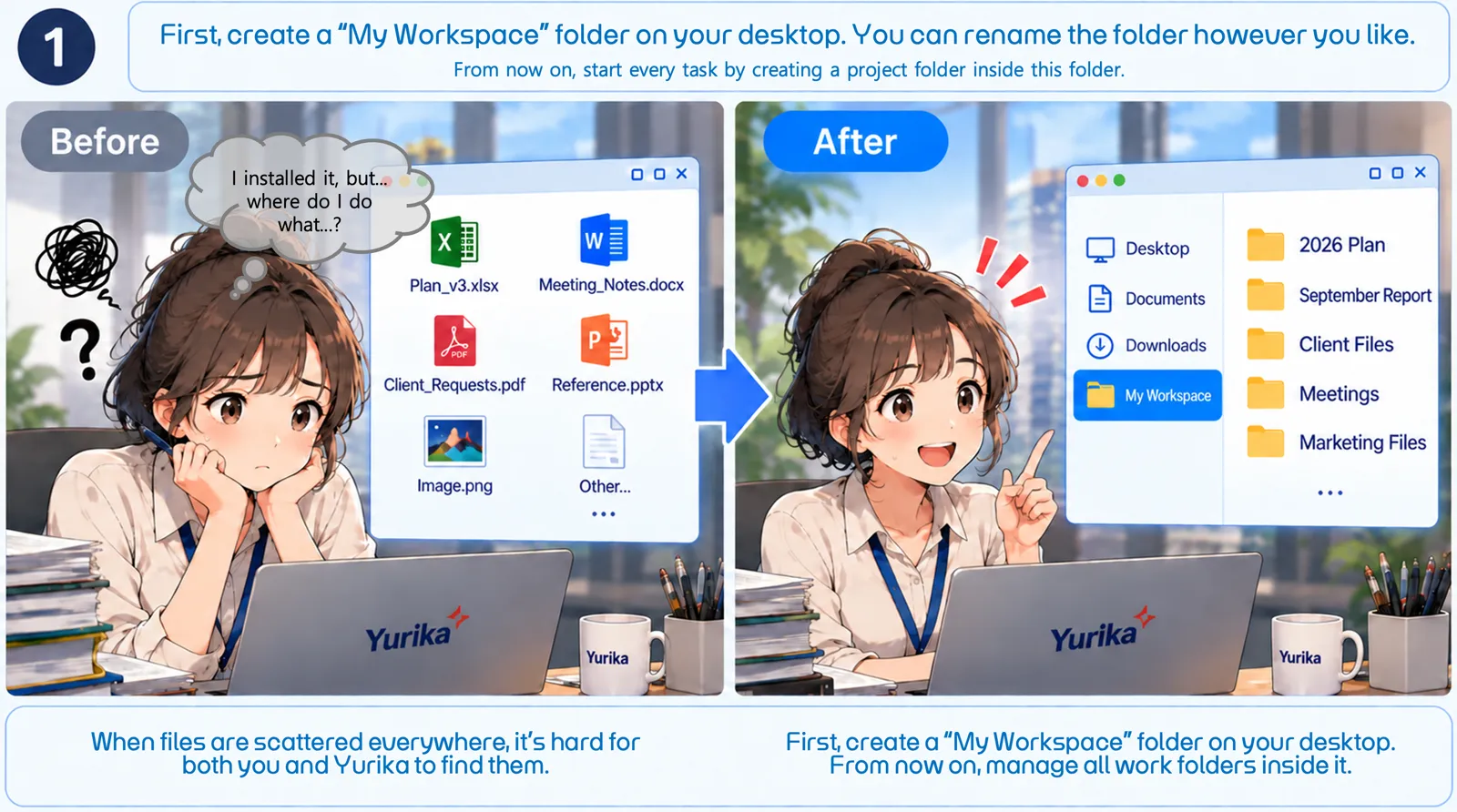
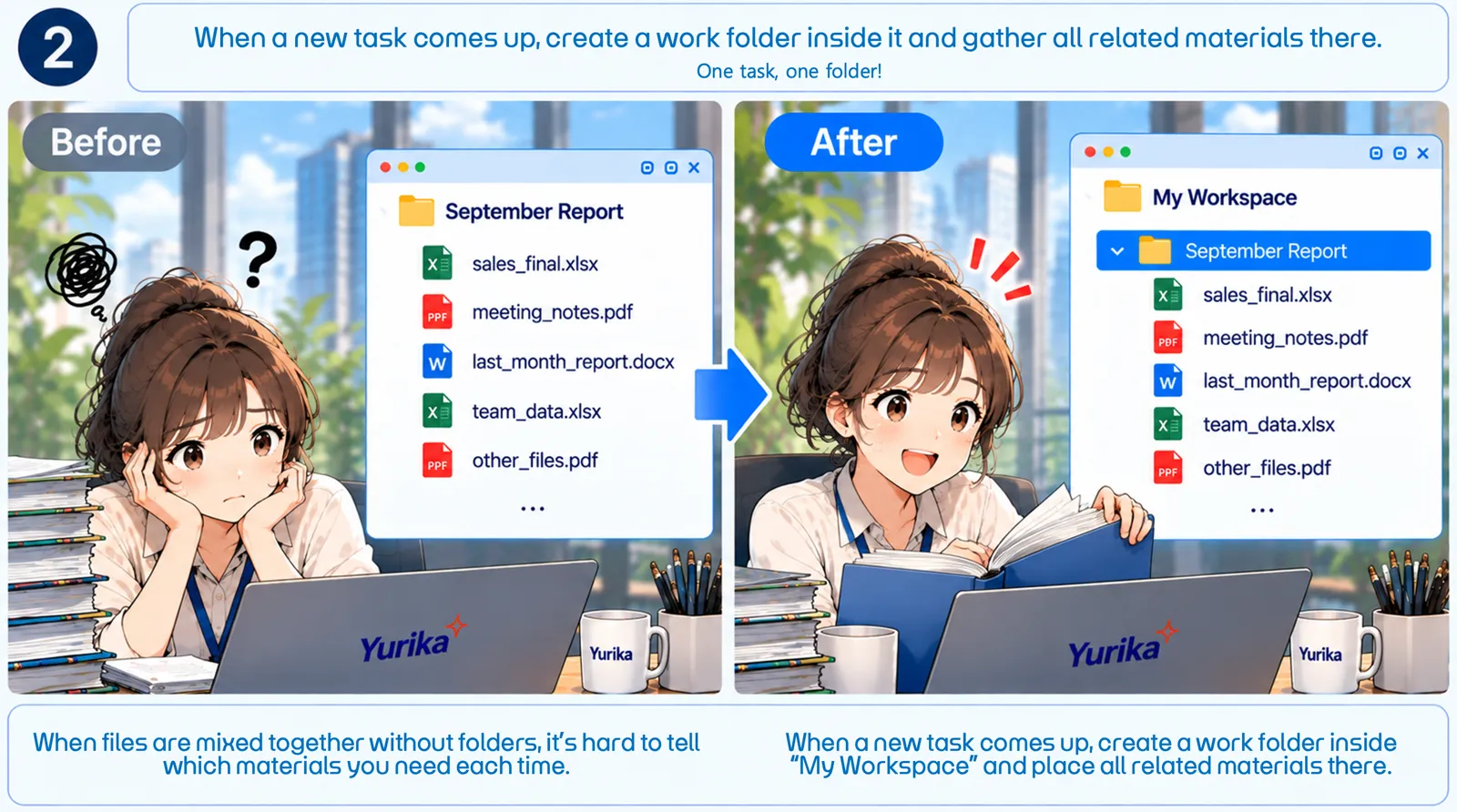
First, create a folder on your desktop called something like 'My Workroom'. You can name it however you like. Then, whenever a new task comes up, create a folder for it inside, such as September Report, Client A, or Meeting Materials, and gather the related files there.
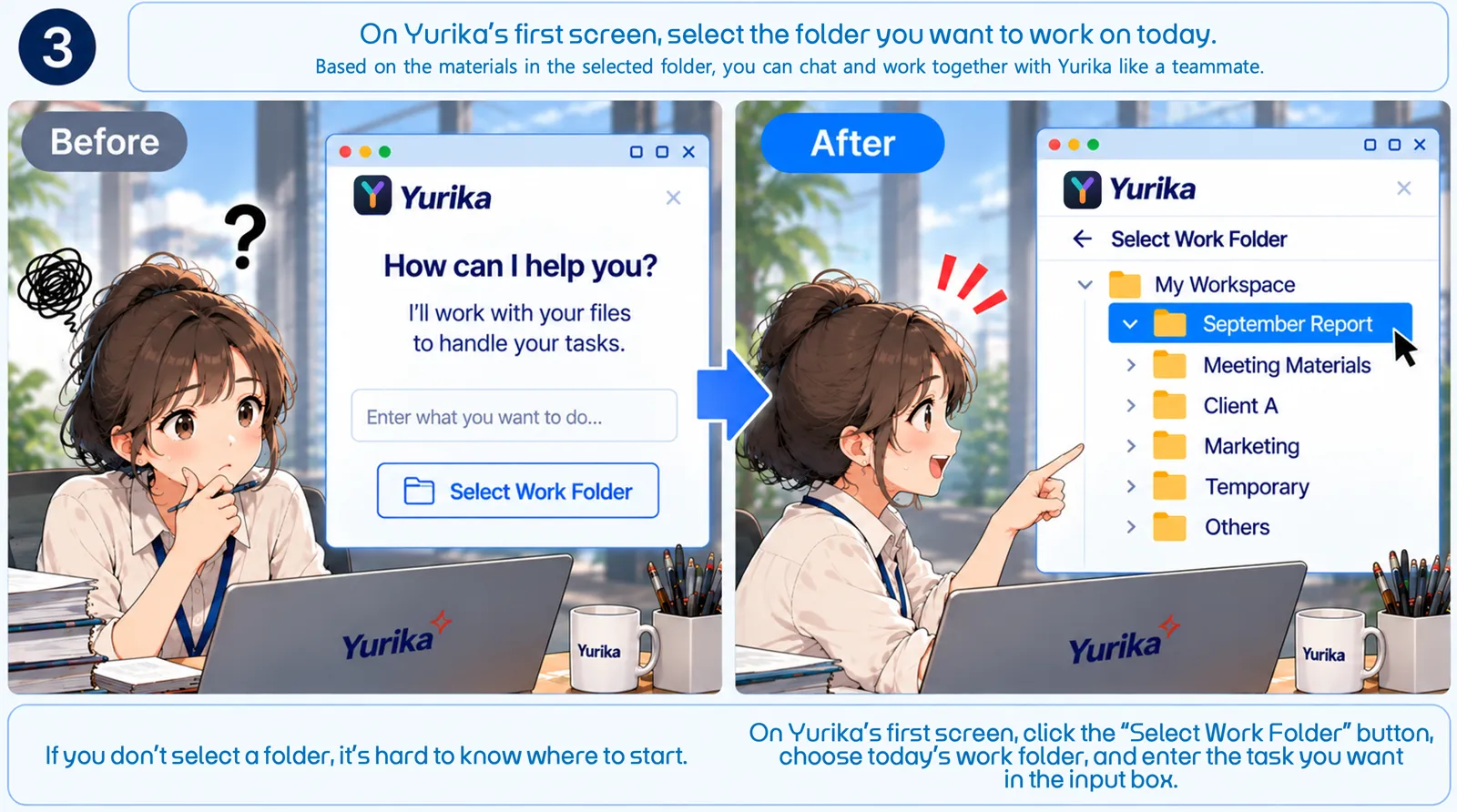
Next, open Yurika and select the folder you'll work on today, and you're all set!
Now there's no need to study difficult prompts.
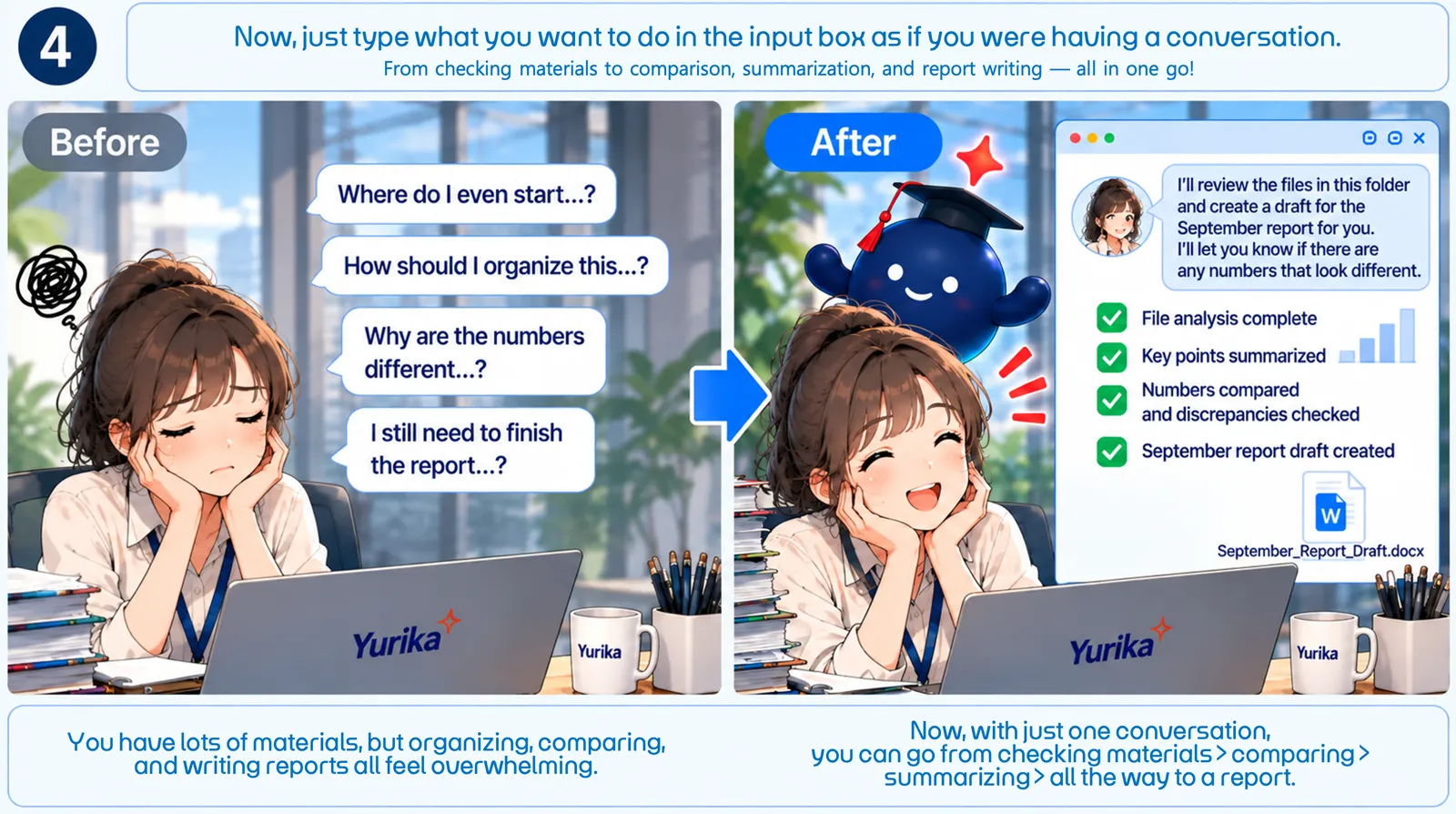
"Check the materials in this folder and make a draft report."
"If any numbers differ, find them." Just talk to me as you would when asking a colleague for help.
My Workroom → task folder → select working folder → say what you want done.
Once you get used to this flow, from then on you'll be able to work with Yurika much more naturally, from organizing materials to comparing, summarizing, and writing reports.
Don't try to do it well from the start.
Just hand me one small task first.
As we work together, you'll get used to it in no time. 😊
Today's Prompt
- ① Launch Yurika and specify a working folder.
- ② Copy the sentences in the gray box below as they are, paste them into the chat window, and run them.
First check what kind of material each file in this working folder is.
Organize the materials I should check first and the important content, and let me know if there are conflicting figures or parts that need checking.
Finally, recommend 3 next tasks I can do with these materials.
AI trends Yurika read
- 1
Salesforce: "Adopting AI agents first doesn't mean seeing results first — the winner is decided in 'preparation'"
Salesforce, 「State of Agentic AI in the Enterprise」(survey of 2,025 companies in 20 countries), 2026.9It took companies that adopted AI agents an average of 8 months to achieve actual results (ROI), and the industries that adopted first were not the first to see results. What made the difference was not the speed of adoption but whether they had set in advance (1) clean, accessible data, (2) a clearly narrowed task scope, and (3) the points where humans step in. Companies that organized their data first took 7.3 months to reach results, versus 8.8 months for those that did not.
Key takeawayThis is data that pinpoints exactly why the 'let's just plug in any AI tool for now' approach doesn't lead to results. Adopting Yurika works on the same principle: rather than vaguely using it fast, teams that start by organizing their data and task scope actually save time.Read the source › - 2
Gartner: "By 2028, 60% of brands will drop 'channel-by-channel marketing' and respond 1:1 with AI agents"
Gartner official announcement, 2026.1.15Gartner has forecast that by 2028, 60% of brands will use agentic AI to move away from managing campaigns separately by channel such as email, web, and social, toward seamless 1:1 personalized engagement that spans marketing, sales, and customer support. A Gartner senior analyst described this as "the end of channel-based marketing as we know it".
Key takeawayUntil now, marketing meant building separate campaigns for each channel: email on its own, social on its own. This forecast means that approach itself will be pushed out of the mainstream within three years, and it is evidence that tools like Yurika, which connect planning, sending, and management in a single flow, are becoming the next standard rather than an exceptional experiment.Read the source ›